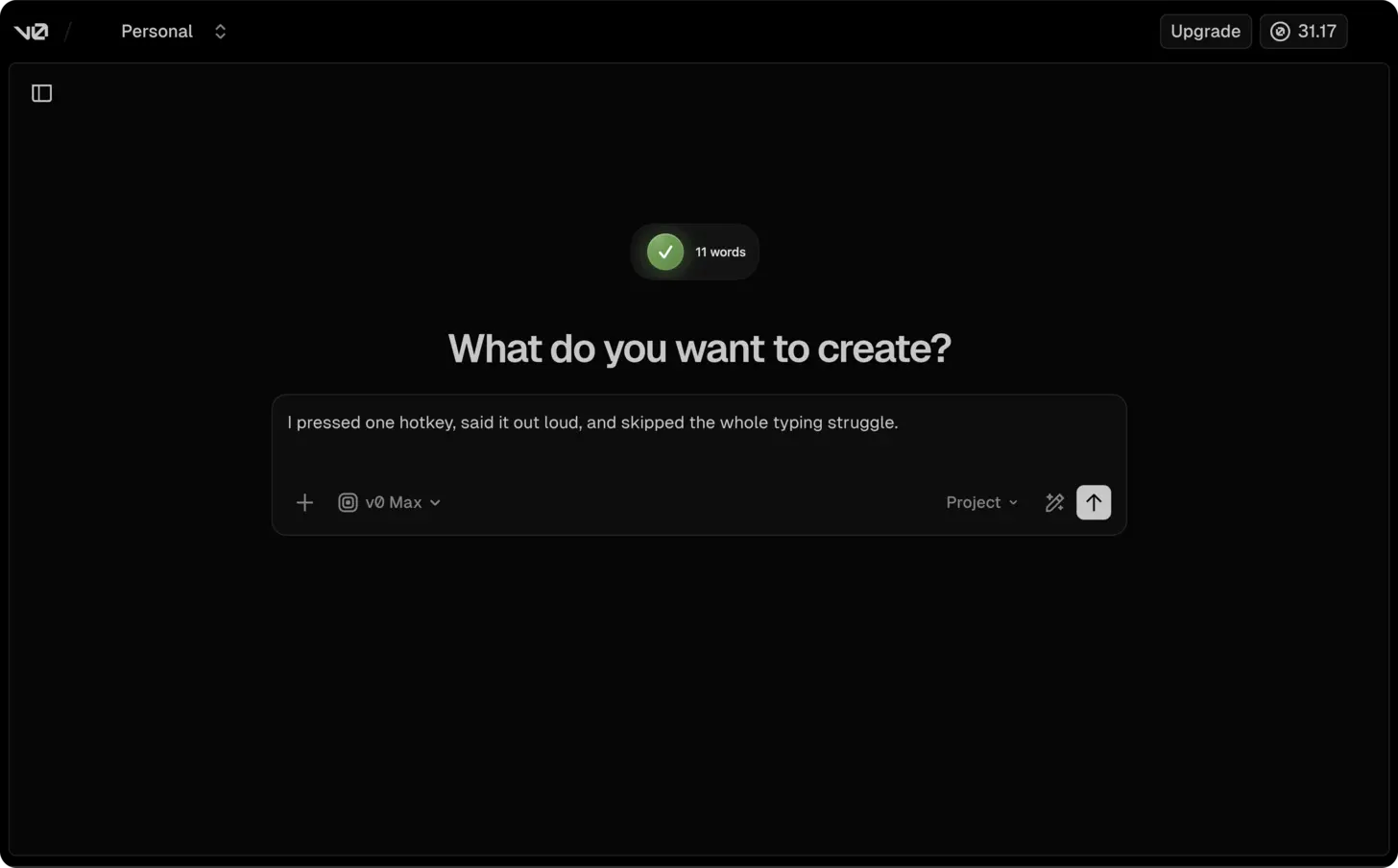
The short answer: open v0.dev in your browser, click into the prompt field, press ⌃+⌥+R (Mac) or Ctrl+Alt+R (Windows/Linux), speak your component specification for 60-90 seconds, and AICHE inserts the formatted prompt for v0 to generate.
UI Descriptions Are Already Verbal
Describing a user interface is something people do naturally with speech. You point at a screen and say "I want a sidebar on the left with navigation links, a main content area with cards laid out in a grid, and a header with a search bar and user avatar." That is how designers talk to developers. That is how product managers describe features.
v0.dev by Vercel takes text descriptions and generates React components with Tailwind CSS and shadcn/ui. The better your description, the better the component. But typing a thorough UI specification means translating your visual thinking into written text, which is slow and lossy. You see the layout in your head, but by the time you finish typing the description, you have left out half the details about spacing, alignment, and interaction states.
Speaking preserves more of your visual intent because you describe things the way you see them. "The stat cards should be the same height, with the number in a large bold font, a label underneath in a smaller muted color, and a small trend arrow to the right that is green for positive and red for negative." Fifteen seconds of speech that captures exactly what you are picturing.
How to Set It Up
- Open v0.dev in your browser.
- Click into the prompt field.
- Press your AICHE hotkey (⌃+⌥+R on Mac, Ctrl+Alt+R on Windows/Linux) to start recording.
- Speak your complete component specification (example: "create a dashboard layout with a fixed sidebar containing navigation links for Home, Analytics, Settings, and Profile with icons next to each. Three stat cards at the top showing revenue with an up arrow, active users with a percentage badge, and monthly conversions with a trend line. Below that, a line chart for the past 30 days of user activity with tooltips on hover. A data table at the bottom with sortable columns for date, customer name, amount, and status. Use shadcn/ui components with dark mode support").
- Press the hotkey again. AICHE transcribes, applies Content Organization, and inserts the text.
- Press Enter and watch v0 generate your interface.
- Iterate with follow-up voice prompts to refine specific elements.
Describing Component States and Interactions
Static layouts are only part of a UI. Components have hover states, loading states, empty states, error states, and transitions between them. These are details that get dropped from typed prompts because writing them out doubles the length of the specification.
With voice, include them naturally. After describing the layout, continue: "when a table row is hovered, highlight it with a subtle background color. The sort arrows in the column headers should be visible but muted when inactive and bold when active. If the data is loading, show skeleton placeholders matching the shape of each card and table row. If there is no data, show a centered empty state illustration with a message saying no results found."
That took 20 seconds to speak. It would take two minutes to type. And those interaction details are what make the difference between a prototype and a polished component.
Iterating on Generated Components
v0 generates a first version and lets you refine with follow-up prompts. This iterative workflow is where voice input saves the most time. You look at the generated preview, see what needs to change, and speak the corrections.
"Move the search bar from the header to above the data table. Make the sidebar collapsible with a hamburger icon at the top. Change the stat card numbers to use a monospace font. Add a subtle divider line between the stat cards and the chart."
Each correction is 5-10 seconds of speech. Over 8-10 rounds of refinement, you spend 90 seconds total on voice input instead of 8 minutes typing. The result is a component that matches your vision because you had the time and patience to iterate on every detail.
Design System Consistency
When generating multiple components for the same project, consistency matters. Start each v0 prompt by stating your design system context: "using shadcn/ui with the default slate theme, 8-pixel base spacing, Inter font, and rounded-lg for card borders."
Dictating this prefix takes 5 seconds and ensures every generated component looks like it belongs to the same application. Without it, each component might use slightly different spacing, colors, or border styles.
Heads-up: reference specific design systems in your dictation. "Use shadcn/ui" or "Tailwind with Radix primitives" gives v0 stronger signals than "make it look modern." Named systems produce consistent, usable code.
Pro tip: describe interaction patterns by saying "on hover show tooltip," "on click open a modal," or "animate the transition between states." v0 generates more complete components when you verbalize the behavior, not just the layout.
Result: UI specifications that took 14 minutes to type now take 75 seconds to speak. v0 generates production-ready React components that capture your design intent because the prompt included layout, states, interactions, and design system details.
Do this now: open v0.dev, press your hotkey, and dictate a component you need for a current project. Describe the layout, the states, and the interactions. Compare the result to what you would have gotten from a brief typed prompt.
