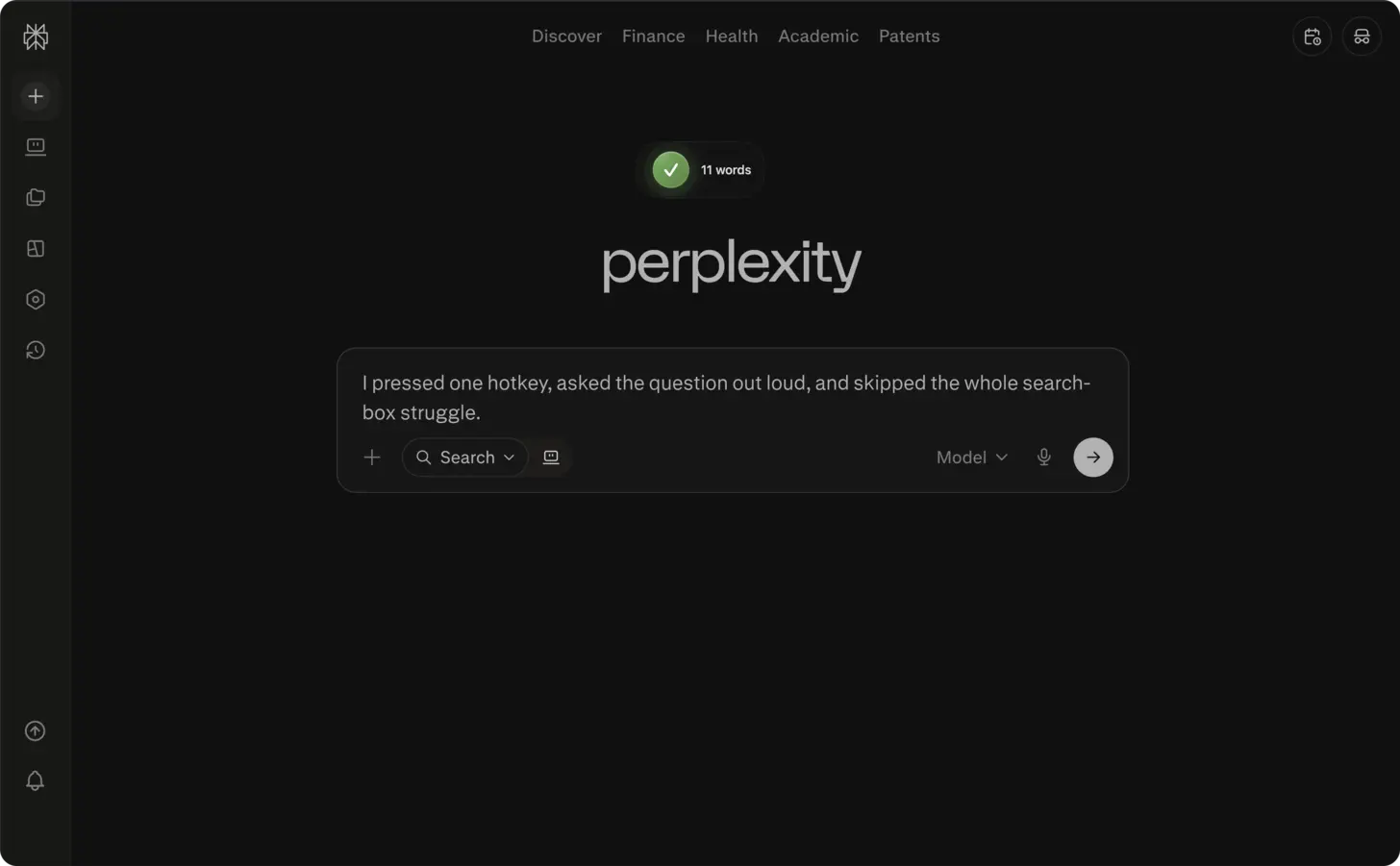
The short answer: open Perplexity AI, click into the search field, press ⌃+⌥+R (Mac) or Ctrl+Alt+R (Windows/Linux), speak your complete research question for 30-60 seconds, and AICHE inserts the formatted query for Perplexity to process.
Research Queries Need Nuance. Typing Discourages It.
Perplexity is an AI search engine that pulls from live sources and cites everything. The quality of its answers depends on how specific your query is. A vague search returns vague results. A precise query with comparison criteria, scope boundaries, and context about why you are asking returns a focused answer with relevant citations.
But typing a precise research query is tedious. You know you should write "compare the latency characteristics of Redis Cluster versus KeyDB for write-heavy workloads above 100,000 operations per second, focusing on tail latencies at p99." Instead you type "redis vs keydb performance" because the keyboard makes thoroughness expensive.
Voice makes specificity free. You speak the detailed version in 10 seconds. Perplexity gives you a real answer with citations instead of a generic overview.
How to Use It
- Open Perplexity AI in your browser (perplexity.ai) or the desktop app.
- Click into the search field to position your cursor.
- Press your AICHE hotkey (⌃+⌥+R on Mac, Ctrl+Alt+R on Windows/Linux) to start recording.
- Speak your complete research query with context (example: "compare the current state of vector databases focusing on pgvector, Pinecone, and Weaviate, specifically their performance at scale beyond 10 million vectors, pricing models for production use, and the trade-offs between managed services versus self-hosted solutions").
- Press the hotkey again. AICHE transcribes, applies Message Ready formatting, and inserts the text.
- Press Enter to send the query to Perplexity.
Using Focus Modes With Voice
Perplexity has Focus modes that narrow where it searches: All, Academic, Writing, Math, Video, and Social. Choosing the right Focus mode before dictating your question improves results.
For technical research, set Focus to Academic before dictating. Speak your question with the specific metrics and comparisons you care about. Perplexity will pull from papers and technical sources rather than blog posts and marketing pages.
For current events and industry analysis, use the default All mode and include time context in your dictation. Saying "in the last three months" or "since the latest release" helps Perplexity prioritize recent sources.
Building Research Chains With Follow-Ups
Perplexity maintains conversation context within a thread. After the first answer, you can ask follow-ups that build on what it found. This is where voice becomes especially useful.
Read Perplexity's answer. Notice a gap or a claim you want to dig into. Press your hotkey and speak: "the sources you cited mention that pgvector performance degrades above 5 million vectors, but that benchmark was from 2024. Find more recent benchmarks or posts from teams running pgvector at larger scale with the HNSW index type." That is 15 seconds of dictation that would take 90 seconds to type.
Over a 20-minute research session, you might ask 8-10 follow-up questions. Each one spoken in 10 seconds instead of typed in 60 seconds. The compounding time savings let you go deeper instead of settling for the first answer.
Saving Research to Collections
Perplexity Collections let you organize related research threads. When starting a new collection, dictate a clear description of what the collection is for and what you are trying to learn. This helps you later when you return to the collection and need to remember the research goal.
Heads-up: for follow-up questions, let Perplexity respond first, then use your hotkey again to dictate the next query. This maintains conversation context better than front-loading multiple questions.
Pro tip: include comparison criteria in your spoken query. Saying "focusing on X, specifically Y and Z" tells Perplexity exactly what dimensions matter, which produces fewer follow-up cycles and more relevant citations.
Result: a detailed research query that takes 10 minutes to type with proper context and comparison criteria now takes 45 seconds to speak, and Perplexity returns more relevant results because you included all the nuance.
Do this now: open Perplexity, press your hotkey, and dictate one technical comparison you have been meaning to research. Include the specific criteria that matter to your use case.