The short answer: open chat.deepseek.com, click into the prompt field, press ⌃+⌥+R (Mac) or Ctrl+Alt+R (Windows/Linux), speak your question for 30-60 seconds in any language, and AICHE transcribes and inserts the formatted prompt for DeepSeek to process.
DeepSeek Rewards Detailed Reasoning Prompts
DeepSeek's models are strong at code, math, and multi-step reasoning. Their DeepThink mode specifically asks the model to work through problems step by step before answering. But step-by-step reasoning from the model only works well when the input problem is described with enough detail for the model to reason about.
A vague question like "how do I optimize this query" gives DeepSeek little to work with. A detailed prompt that describes the table structure, the indexes in place, the query plan you are seeing, the data volume, and the target latency gives DeepThink something to actually reason through. Typing all of that out takes 8-10 minutes. Speaking it takes about 50 seconds.
How to Use It
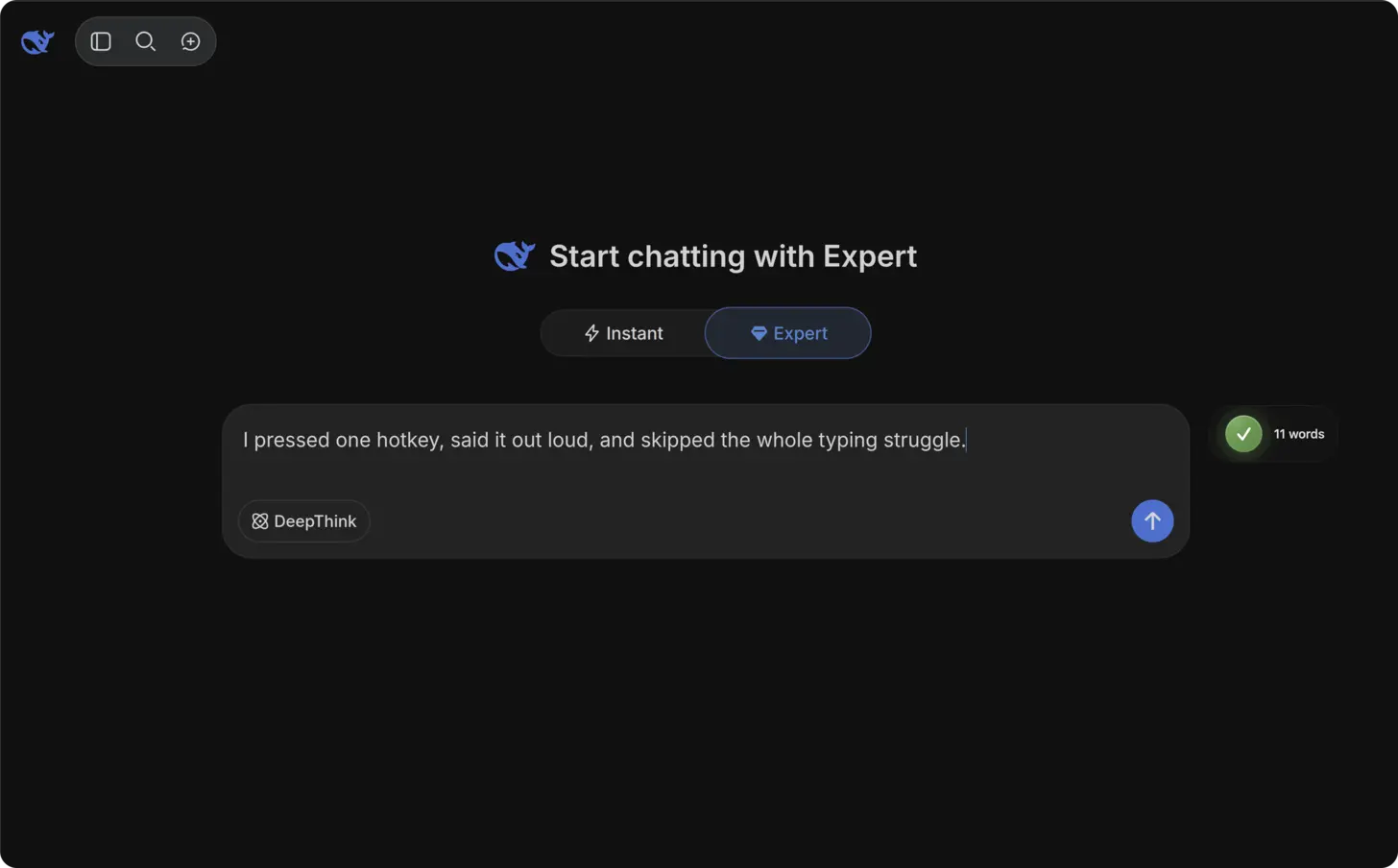
- Open chat.deepseek.com in your browser and sign in.
- Click into the prompt input field at the bottom.
- Press your AICHE hotkey (⌃+⌥+R on Mac, Ctrl+Alt+R on Windows/Linux) to start recording.
- Speak your complete problem description with all relevant details (example: "I have a PostgreSQL table with 50 million rows of transaction data. The table has indexes on user_id and created_at but the query that joins transactions with the accounts table and filters by date range is taking 12 seconds. The explain analyze shows a sequential scan on accounts. Walk me through how to diagnose this and what indexes or query rewrites would bring it under 500 milliseconds").
- Press the hotkey again. AICHE transcribes, applies Message Ready formatting, and inserts the text.
- Choose standard mode or enable DeepThink for the reasoning chain, then press Enter.
Speaking in Your Native Language
DeepSeek has a large multilingual user base. Many users think in Mandarin, Korean, Japanese, or Russian but want to query the model in English for optimal technical results.
Enable "Translate to English" in AICHE settings. Speak your question in whatever language is natural to you. AICHE transcribes in your language, translates to English, and inserts the English version. You see the translation before sending, so you can verify accuracy.
This removes the mental overhead of composing technical prompts in a second language. Your brain formulates the question faster in your native language, and the AI receives a clear English prompt. The result is better for both sides.
Using DeepThink Mode Effectively
DeepThink shows you the model's reasoning chain as it works through your problem. The quality of that reasoning depends directly on how precisely you describe the problem.
For math and logic problems, state your assumptions explicitly. For code problems, describe the current behavior, the expected behavior, and what you have already tried. For architecture questions, list the constraints and trade-offs you are considering.
Speaking these details is natural because it mirrors how you would explain the problem to a colleague. You would not say "optimize this." You would say "this endpoint is slow under load because the database connection pool fills up when we get more than 200 concurrent requests, and I think the issue is that we are holding connections open during the entire S3 upload instead of releasing them first." Dictate that, and DeepThink has something real to analyze.
Heads-up: enable "Translate to English" in AICHE settings before using with DeepSeek if English is not your primary language. The translation happens automatically, and you see the result before sending.
Pro tip: for math problems, speak the notation naturally. Say "x squared plus two x minus five equals zero" and AICHE will transcribe it clearly. DeepSeek handles written-out math notation well.
Result: complex technical questions that took 8 minutes to type with full context now take 50 seconds to speak, and DeepSeek provides better answers because the prompt included all the constraints and specifics your typing would have abbreviated.
Do this now: open DeepSeek, enable DeepThink mode, press your hotkey, and describe one technical problem with all its messy real-world details. Watch the reasoning chain work through the full context you provided.