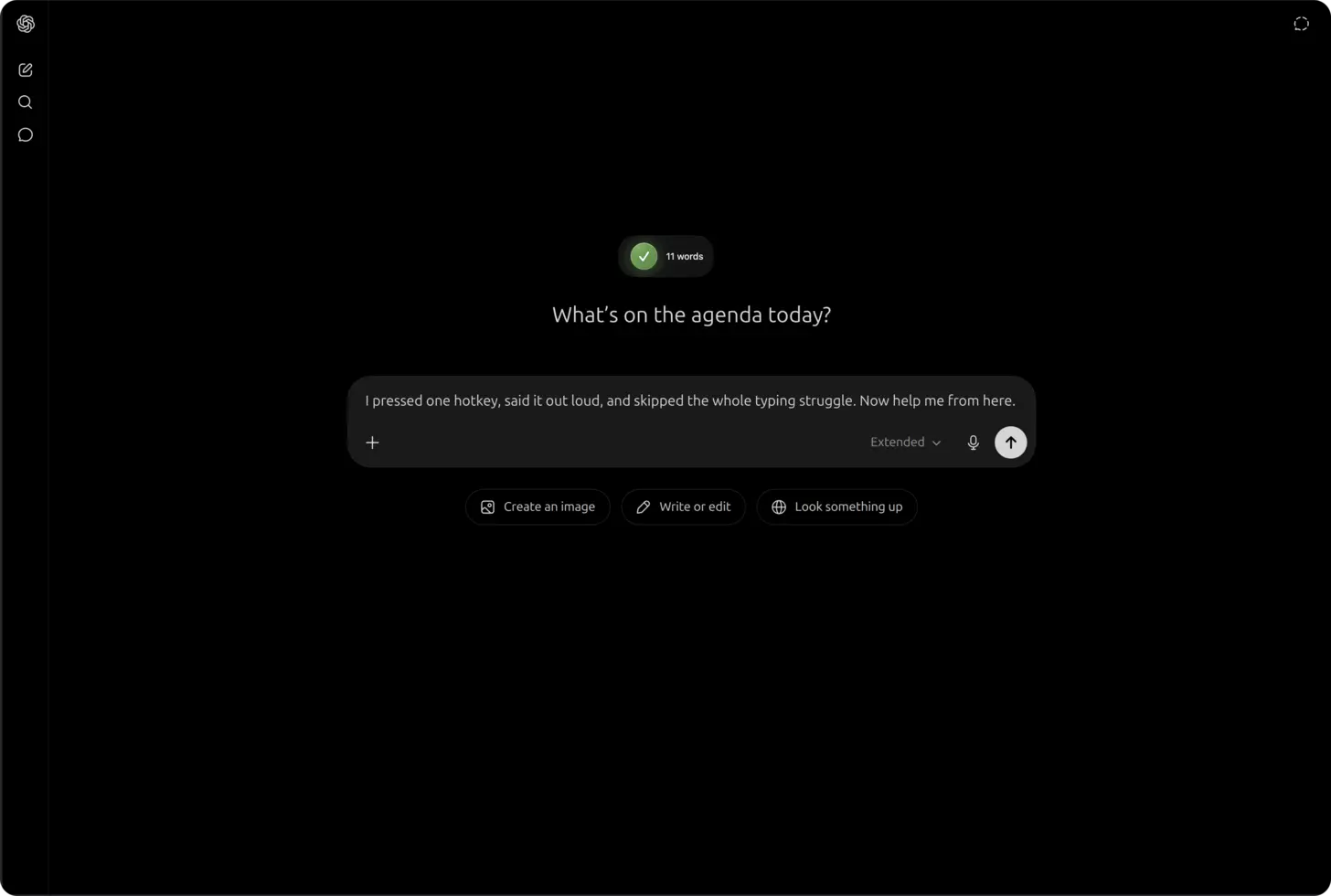
The short answer: open chat.openai.com, click into the ChatGPT composer, press ⌃+⌥+R (Mac) or Ctrl+Alt+R (Windows/Linux) to start recording, speak a structured ChatGPT prompt with constraints and context, press the hotkey again to stop, and AICHE inserts formatted text for you to review before you send.
ChatGPT needs long structured prompts in the composer. Think custom instructions, ChatGPT Projects, Custom GPTs, coding asks, canvas line edits, file upload briefs, Advanced Data Analysis steps, and image-generation constraints. ChatGPT voice mode is for spoken back-and-forth. It does not paste that structure into the text box. Typing the full prompt takes minutes, so people shorten it and get shallow answers. AICHE runs cloud transcription. Audio streams to Groq, Google Generative AI, or DeepInfra and is discarded after processing. Message Ready cleanup drops written text into the ChatGPT composer for you to review before Send. Example: "Review this React 18 form. List accessibility failures as a numbered list, cite WCAG for each, suggest a fix, and do not rewrite the component until I confirm."
The Problem
ChatGPT's built-in voice mode is built for conversation: you talk, ChatGPT talks back. It is not a dictation path into the text composer. You cannot reliably speak a multi-section ChatGPT prompt with file-upload context, Advanced Data Analysis steps, or image-generation constraints and have that exact text land in the box for editing.
Custom instructions, ChatGPT Projects, and Custom GPTs all need paragraphs of setup. Canvas follow-ups need precise edits ("change paragraph three tone to direct, keep citations"). Memory and project context work better when your first message states role, audience, format, and exclusions in full. Most people type two sentences because the composer punishes length. AICHE removes the typing bottleneck without handing the send button to the model.
What Changes
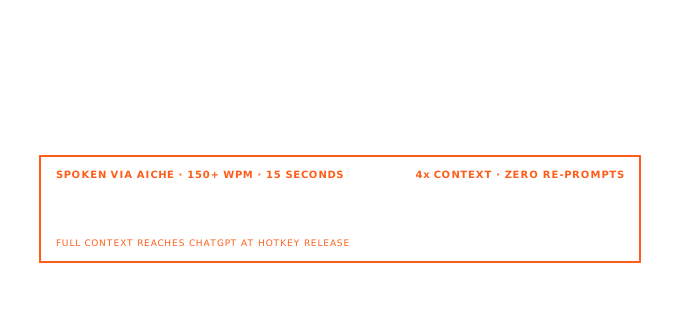
Speaking runs about 150 words per minute. Typing runs about 40. A 300-word ChatGPT prompt that takes eight minutes to type takes about two minutes to speak, and you are more likely to include the sections you would have skipped.
How It Works
- Install AICHE on macOS, Windows, or Linux (desktop).
- Open ChatGPT in the browser and click into the message composer (or custom instructions, project instructions, or canvas prompt field).
- Press ⌃+⌥+R (Mac) or Ctrl+Alt+R (Windows/Linux) once to start. The hotkey is toggle on/off, not push-to-talk.
- Speak your ChatGPT prompt: role, task, format, constraints, and examples. Pause briefly between sections if you want paragraph breaks.
- Press the hotkey again. Audio goes to cloud transcription; it is not processed locally on your machine.
- Review the inserted text, edit a line if needed, then send in ChatGPT as you normally would.
Offline: if you lose connectivity, AICHE stores recordings in an encrypted local queue and processes them when you are back online. The text inserts when transcription completes.
Mobile: the global hotkey is for desktop. On phone, record in the AICHE app and copy or sync the note into ChatGPT manually. Do not expect ⌃+⌥+R inside the mobile ChatGPT app.
Custom Instructions, Projects, and Custom GPTs
Open Settings → Personalization → Custom instructions or a ChatGPT Project / Custom GPT instruction field. Click into the text area, toggle the hotkey, and dictate once:
- Who you are and what you are building
- Default tone, length, and citation rules
- What ChatGPT should refuse or ask before doing
- Tooling context (framework, test runner, style guide)
Custom GPTs and ChatGPT Projects compound this: the instruction block is the product. Speaking a full spec in 60-90 seconds beats typing bullet fragments that every new chat inherits.
Canvas, Model Picker, Files, and In-Chat Tools
Canvas: after ChatGPT opens canvas, click the composer or canvas instruction field, dictate micro-prompts with line-level targets: "In the Python tab, add type hints to fetch_user and keep the existing docstring tone."
Model picker: state the model only if you are switching mid-thread; the value is still the structured body. Name language, version, and test expectations up front for coding tasks.
File upload: upload PDFs, spreadsheets, or images in ChatGPT first, then dictate how to use them: "Summarize tab two variances, flag anything over 10%, output a markdown table." AICHE does not upload files; it only inserts the prompt text.
Advanced Data Analysis: describe the pipeline in speech (filters, joins, chart type). ChatGPT runs the analysis; AICHE supplies the written brief.
Image generation in chat: dictate composition, aspect ratio intent, style references, and exclusions ("no text in image") into the composer before generating.
Voice Mode vs Composer Dictation
| ChatGPT voice mode | AICHE into composer | |
|---|---|---|
| Output | Spoken reply | Text you edit |
| Best for | Q&A, brainstorming aloud | Long ChatGPT prompts, canvas edits, instructions |
| Control | Turn-taking conversation | You press Enter when ready |
Use voice mode when you want a dialogue. Use AICHE when you need a durable, structured ChatGPT prompt in the thread.
What You Get
- Message Ready cleanup: filler trimmed, punctuation and paragraphs added before insert.
- Custom Vocabulary: names, product codes, and acronyms ChatGPT should see spelled correctly (50 entries).
- Software Development profile (Pro): better recognition for APIs, libraries, and
snake_casein coding prompts. - Auto-translation: think in one language, insert English (or your chosen output) for ChatGPT.
- Zero-retention audio: streamed to Groq, Google Generative AI, or DeepInfra, discarded after processing. No persistent audio copy.
Plans start at $3.99/mo (annual) with a 7-day free trial.
Common Questions
Q: Does AICHE send the ChatGPT prompt for me?
A: No. AICHE inserts text at the cursor. You review and press Enter (or click Send). It does not click buttons, run Advanced Data Analysis, or generate images.
Q: Is transcription local?
A: No. AICHE uses cloud-default transcription. Audio is discarded after processing. Offline recording queues locally, encrypted, until connectivity returns.
Q: Can I use this with ChatGPT memory and Projects?
A: Yes. Dictate into any ChatGPT text field in the browser on desktop: composer, project instructions, Custom GPT builder fields, and canvas prompts.
Q: Will ChatGPT voice mode conflict?
A: They are separate. Close voice mode if you are dictating text. Use AICHE when you want a written ChatGPT prompt in the thread.
Q: Does the hotkey work in the ChatGPT iOS or Android app?
A: Not as a system hotkey inside those apps. Use desktop ChatGPT in a browser for insert-at-cursor, or record in the AICHE mobile app and paste the note.
Related Features
Result: ChatGPT gets the long structured prompts that Projects, Custom GPTs, canvas, coding tasks, and in-chat tools work best with, without typing every constraint into the composer.
Try it now: open ChatGPT, click the composer, press your hotkey, and dictate one prompt you skipped last week because typing the full context felt too slow. See pricing.
