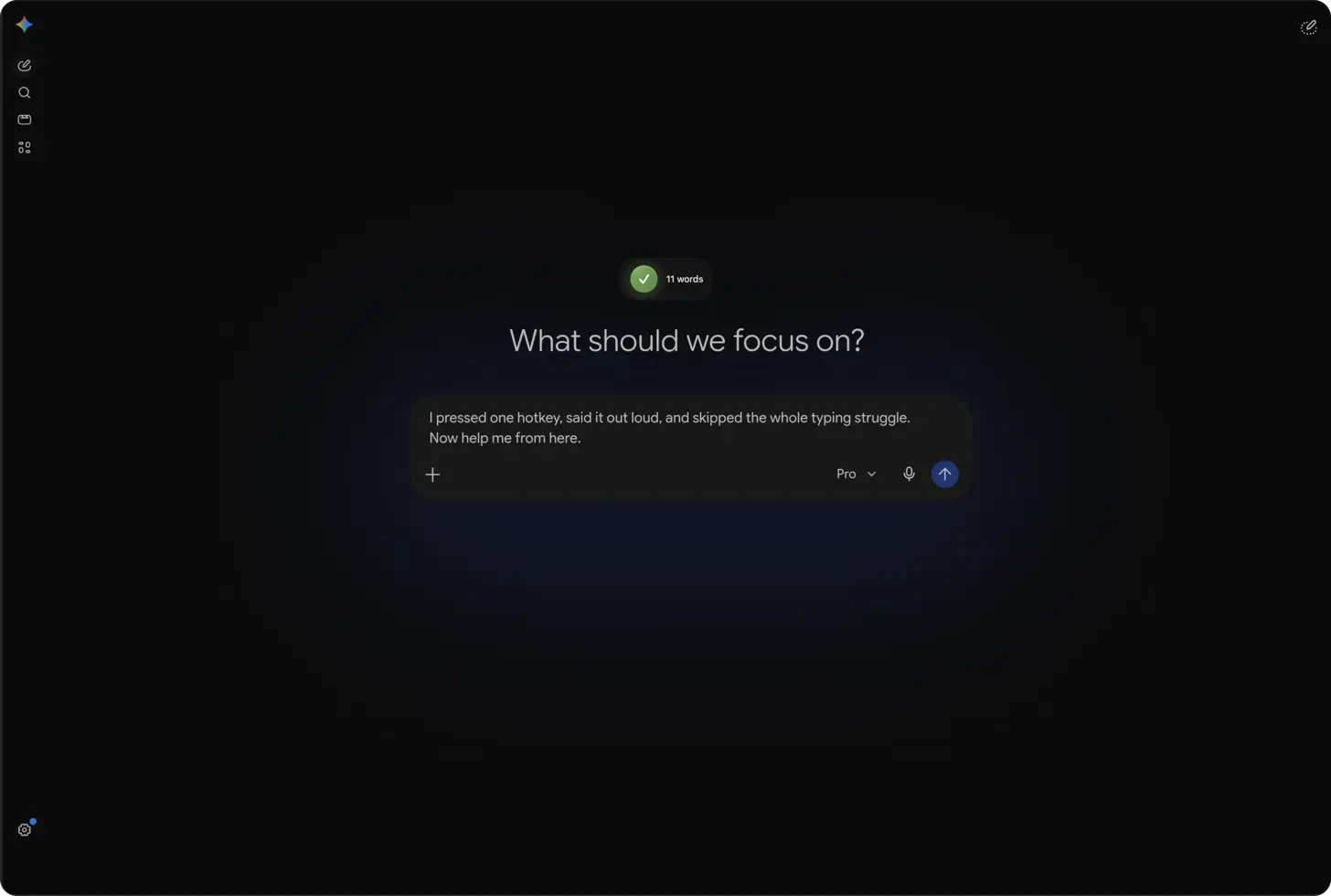
The short answer: open gemini.google.com in your browser, click into the prompt field, press ⌃+⌥+R (Mac) or Ctrl+Alt+R (Windows/Linux), speak your request for 30-60 seconds, and AICHE inserts the formatted prompt for Gemini to process.
Gemini Handles Long Prompts. You Should Use That.
Google Gemini has one of the longest context windows available. It can process enormous amounts of input text in a single prompt. Most people never take advantage of this because typing a 500-word prompt is exhausting.
Think about what that context window means. You can paste in an entire document and ask questions about it. You can describe a system architecture in full detail and ask for feedback. You can give Gemini a complete project brief and ask it to find gaps. The model can handle it. The bottleneck is you, sitting at a keyboard, trying to type all of that out.
Speaking at 150 words per minute, a 500-word prompt takes about three and a half minutes. Typing it takes twelve. That difference determines whether you actually use Gemini's full capability or settle for abbreviated questions.
How to Set It Up
- Navigate to gemini.google.com and sign in with your Google account.
- Click into the prompt input field at the bottom of the page.
- Press your AICHE hotkey (⌃+⌥+R on Mac, Ctrl+Alt+R on Windows/Linux) to start recording.
- Speak your complete question, including all context and constraints (example: "explain how Kubernetes handles service discovery and load balancing, compare it to Docker Swarm's approach, and recommend which one makes sense for a team of three running 12 microservices with a mix of stateless APIs and one stateful WebSocket service").
- Press the hotkey again. AICHE transcribes, applies Message Ready formatting, and inserts the text.
- Press Enter to send the prompt to Gemini.
Working With Google Workspace Integration
Gemini connects to your Google Workspace. It can reference your Docs, Sheets, Slides, and Gmail. When you ask Gemini to look at a specific document or summarize recent emails, the more precise your request, the better the result.
Instead of typing "summarize my recent emails about the project," dictate: "look at my emails from the last two weeks about the backend migration project, pull out any decisions that were made about the database choice, any deadlines that were mentioned, and any open questions that still need answers. Organize them into three sections." That takes 15 seconds to say and gives Gemini clear instructions for how to structure the output.
This pattern works across all Workspace integrations. Detailed voice prompts help Gemini know which documents to look at and what to extract from them.
Multi-Part Questions and Follow-Ups
Gemini maintains conversation context, so follow-up questions build on previous answers. The workflow with AICHE is natural: read Gemini's response, think about what to ask next, press your hotkey, and speak your follow-up.
For multi-part initial questions, pause briefly between sections while speaking. AICHE inserts natural paragraph breaks, making the prompt easier for Gemini to parse. This is better than running all your questions together in one continuous stream.
If you are asking Gemini to compare multiple options, state your evaluation criteria while dictating. Saying "compare these three approaches on cost, team familiarity, and time to production" takes four seconds to speak and saves an entire follow-up round.
Heads-up: Gemini handles longer prompts well. Speak for 40-60 seconds to provide full context rather than abbreviated questions. The model performs better with more input, not less.
Pro tip: when using Gemini for research, speak your existing knowledge first, then ask what you are missing. Saying "I already know X and Y, what am I not considering" gets you past surface-level answers.
Result: technical questions that took 7 minutes to type with proper context now take 45 seconds to speak, and Gemini returns more thorough responses because you gave it the full picture instead of a summary.
Do this now: open Gemini, press your hotkey, and dictate one question where you include all the context and constraints you normally leave out when typing. Compare the response quality to what you usually get.
