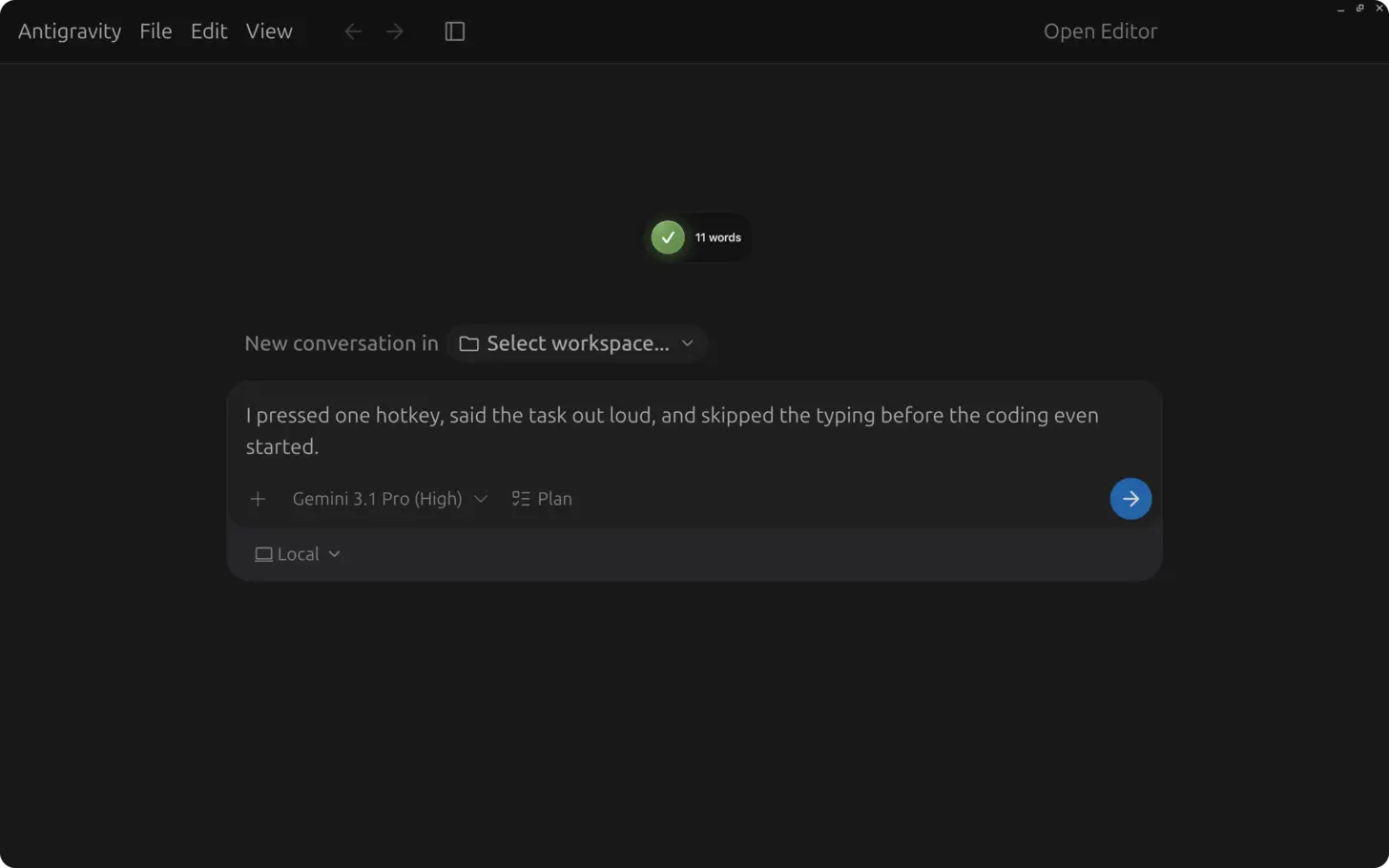
Short answer: in Antigravity 2.0 (standalone desktop app; the older IDE Agent Manager surface was its predecessor), open a Project, click the agent chat input or press Focus Input (⌘L on Mac, Ctrl+L on Windows/Linux per Getting Started), then press ⌃+⌥+R (Mac) or Ctrl+Alt+R (Windows/Linux) and dictate a task spec: repo scope, diff goal, terminal verification command, acceptance criteria, and edge cases. Press the AICHE hotkey again to insert. AICHE does not run agents or approve Artifacts.
The Problem
Antigravity 2.0 is a standalone desktop app for launching and orchestrating agents across Projects (folders and Git repos you attach). It is not the same as the earlier Agent Manager flow inside the Antigravity IDE. Agent output quality still tracks brief quality: a two-sentence goal produces a two-sentence result. The agent needs constraints, acceptance criteria, edge cases, and verification steps to reach done.
Typing that brief is the bottleneck. Most developers shortcut the first message and pay in correction loops: wrong pattern, missed test, vague plan. You type a longer follow-up, wait again. Three or four rounds before the task looks right.
What Changes
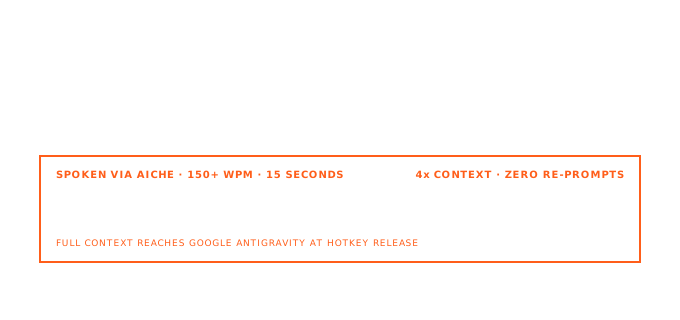
Antigravity 2.0's chat input (and any other text field you focus) is a normal text surface. AICHE captures speech and inserts at the cursor. You speak the brief the way you would to a teammate: goal, reasoning, constraints, verification.
Antigravity 2.0 also includes native live voice transcription in its primary interaction surfaces (features). That can be useful for short in-app prompts if it supports your language and terminology well enough. AICHE is the controlled path when you want the same system-wide hotkey across Antigravity, Claude Code, Cursor, terminals, browsers, and docs, plus profile tuning, custom vocabulary, auto-translation, and a final text review before you send.
Math: speaking runs around 150 WPM. Typing runs around 40 WPM. A 300-word brief that takes 7-8 minutes to type often takes about 2 minutes to speak. At 20-30 agent dispatches a day, that gap adds up.
How It Works
- Open Antigravity 2.0 and select or create a Project (local folders or repos the agent can access).
- Start or open an agent conversation. Click the chat input or use Focus Input (
⌘L/Ctrl+L). - Press ⌃+⌥+R (Mac) or Ctrl+Alt+R (Windows/Linux) to start AICHE recording.

- Speak the task: goal, approach, library or pattern constraints, how to verify (test command, lint), and edge cases.
- Press the AICHE hotkey again. AICHE transcribes, removes filler, inserts formatted text.
- Choose Planning or Fast mode when you start the conversation (see below), review the text, then send.
When you spawn an agent, Getting Started also asks for Local Mode (work in active folders) or New Worktree Mode (isolated Git worktree). That choice is about where files change, not about AICHE.
Planning Mode vs. Fast Mode
When you start a new agent conversation, Antigravity 2.0 offers two execution modes (Artifact Review):
- Planning Mode: the agent researches the codebase, groups work, and produces structured Artifacts (implementation plans) before executing. Use this when the task needs a plan you want to review.
- Fast Mode: the agent executes without a dedicated planning phase. Use this for small, localized changes (rename a symbol, run one command, tight refactor).
Briefing differs:
- Planning: dictate goal, constraints, how you want work grouped, and what a good Artifact should contain. Plans are easier to fix before code changes land.
- Fast: dictate one concrete instruction: file, pattern, acceptance check. Vague speech still produces vague output.
AICHE fits both: longer dictation for Planning, shorter precise dictation for Fast.
Skills, Rules, and Slash Commands
Antigravity 2.0 extends agents with Skills, MCP servers, and JSON Hooks (overview). Workspace Rules and markdown Workflows from the IDE-era product may still exist in your setup; if you edit those files in a text field, dictate into them the same way as the chat input.
Built-in slash commands include /goal, /grill-me, and /schedule (Getting Started). Dictate the body of a reusable instruction into a note or template file, then paste or type the slash command when you run it.
Use custom vocabulary in AICHE for repo names, service names, and internal identifiers so every brief and Rule spells them correctly.
Parallel Work and Subagents
Antigravity 2.0 runs agents synchronously and asynchronously, and can spawn subagents for focused subtasks (subagents docs). While one agent runs, the bottleneck is often briefing the next conversation. With AICHE, focus the next chat input, dictate the next brief, insert, and send without typing through the full spec.
For Non-English Speakers
Turn on Auto-translation in AICHE settings. Think in your native language; AICHE outputs English text for the Antigravity chat input. Your cognitive load stays on the problem, not on translating while you type.
Common Questions
Q: Does AICHE work in Antigravity 2.0's chat input?
A: Yes. AICHE inserts into whichever text field has focus, including the main agent chat input after Focus Input (⌘L / Ctrl+L).
Q: Does AICHE conflict with Antigravity's Focus Input shortcut?
A: No. Antigravity uses ⌘L / Ctrl+L for Focus Input. AICHE uses ⌃+⌥+R on Mac and Ctrl+Alt+R on Windows/Linux.
Q: Antigravity has built-in voice input. Why use AICHE here?
A: Native voice is limited to Antigravity and may not match your language, vocabulary, or review workflow. AICHE is system-wide: one hotkey, the same custom vocabulary, auto-translation, and editable inserted text across Antigravity, terminals, browsers, IDEs, and documentation fields.
Q: My briefs include code fragments and API names. Will transcription handle them?
A: Enable the Software Development profile (Pro) and add project terms to custom vocabulary.
Q: Can I dictate while an agent is running?
A: Yes. Focus another conversation's input and dictate the next brief while the first agent works. AICHE only inserts text; it does not control Antigravity agents.
Q: macOS, Windows, and Linux?
A: Both products support all three. Match Antigravity's platform requirements for the app; use the AICHE hotkey on the same machine where AICHE is installed.
What You Get
- Unlimited voice notes with AI cleanup - filler words removed, punctuation added, paragraphs broken correctly.
- Software Development profile (Pro) - recognition tuned for code, APIs, library names, CLI flags.
- Custom vocabulary - add repo names, services, internal identifiers. Spelled correctly in every brief.
- Multilingual voice input + auto-translation - speak in your language, get English text out.
- Zero-retention audio - audio discarded after processing.
Plans start at $3.99/mo (annual) with a 7-day free trial, no credit card. See pricing.
Result: task briefs you would shorten for typing arrive in full. Better context for the agent, fewer correction loops, less keyboard time while agents do the work.
Try it now: open Antigravity 2.0, focus the chat input with ⌘L or Ctrl+L, press your AICHE hotkey, and dictate one task you have been simplifying because typing the full requirements felt too heavy.
