AICHE +
G
Google Ai Studio Integration

Voice for Gemini prompt engineering

Speak Gemini prompts and system instructions faster.

Download AICHE
Works on:
macOSWindowsLinux

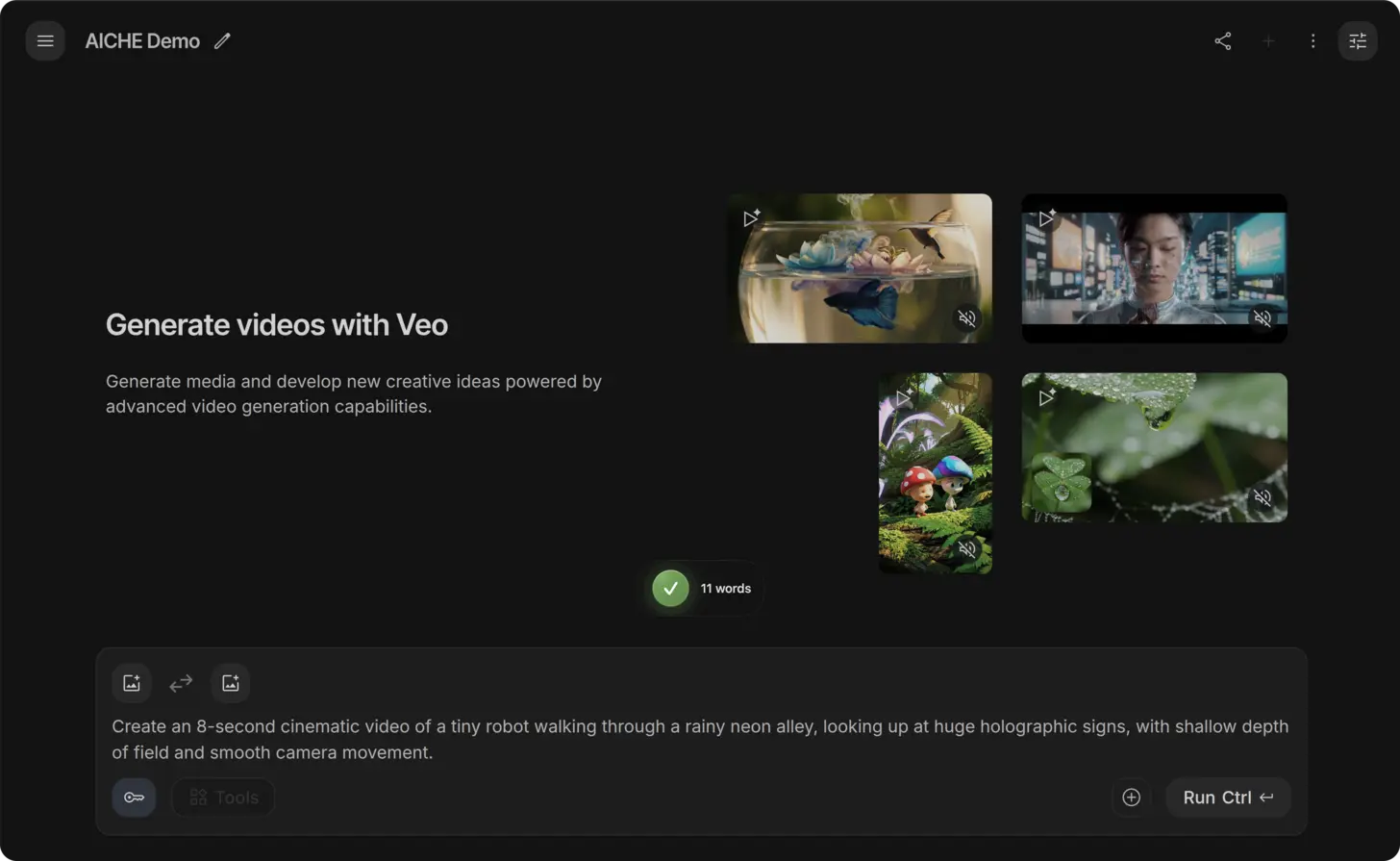
The short answer: open Google AI Studio (aistudio.google.com), click into the prompt or system instruction field, press ⌃+⌥+R (Mac) or Ctrl+Alt+R (Windows/Linux), speak your detailed Gemini configuration for 60-120 seconds, and AICHE inserts comprehensive prompts for testing.

Typing detailed system instructions and comprehensive prompts for Gemini models takes 15-20 minutes and requires constant refinement to achieve desired AI behavior.

  1. Open aistudio.google.com in your browser.
  2. Create a new prompt or open existing configuration.
  3. Click into the system instruction or prompt field.
  4. Press your AICHE hotkey to start recording.
  5. Speak your complete system instructions or prompt with examples.
  6. Press the hotkey again - AICHE transcribes and inserts the configuration.
  7. Test with sample inputs and refine.

System Instruction Configuration

Code Review Assistant

Comprehensive instructions produce consistent AI behavior. Example: "system role you are an expert code reviewer specializing in Python Django applications, expertise areas include Django best practices ORM optimization security vulnerabilities performance issues and testing strategies, review approach analyze code changes focusing on SQL injection XSS and CSRF vulnerabilities, check for N plus 1 query problems using select_related and prefetch_related appropriately, verify proper error handling including try except blocks logging and user facing error messages, assess test coverage ensuring views models and business logic have unit tests, evaluate API design checking serializer validation permission classes and authentication requirements, response format provide specific line numbers for each issue, categorize severity as critical high medium or low with clear justification, offer concrete code examples showing improved implementations not just describing problems, explain trade offs when multiple valid approaches exist, tone constructive and educational helping developers improve not criticizing, acknowledge good practices when code demonstrates solid patterns, constraints never approve code with SQL injection or XSS vulnerabilities regardless of other quality, require authentication and authorization checks on all API endpoints, insist on parameterized database queries never string concatenation for SQL, reject code without tests for business critical paths, limitations admit when unfamiliar with specific Django package or pattern rather than guessing, suggest consulting Django documentation at docs.djangoproject.com for framework specific questions, examples of good code review feedback example 1 line 42 critical severity this view is vulnerable to SQL injection because it uses F string for query construction instead use QuerySet filter with keyword arguments which automatically parameterizes queries example code User dot objects dot filter parenthesis email equals request dot data bracket quote email quote bracket parenthesis, example 2 line 67 high severity this API endpoint lacks permission classes allowing any authenticated user to delete any object instead add specific permission class like IsOwnerOrReadOnly and check request dot user equals instance dot owner before allowing deletion".

Detailed system instructions ensure Gemini provides actionable review feedback consistently.

Technical Documentation Generator

Documentation agents need clear output specifications. Example: "system role you are a technical documentation specialist converting code into comprehensive developer documentation, input types you receive Python functions classes or modules with inline comments docstrings and type hints, output format generate markdown documentation following Google developer documentation style guide, include sections overview describing high level purpose and use cases, parameters table with name type required or optional default value and detailed description for each parameter, returns section describing return type and what the returned value represents, raises section listing exceptions that may be thrown and under what conditions, example usage providing 2 to 3 realistic code examples showing common use cases, implementation details explaining algorithm approach time complexity space complexity and any notable design decisions, related functions linking to similar functions or alternatives with brief comparison, requirements additional Python packages or dependencies needed with version constraints, documentation guidelines use active voice present tense for descriptions, provide concrete examples not placeholders like foo bar or example string, include type hints in example code for clarity, explain edge cases and gotchas that commonly confuse users, format code blocks with syntax highlighting using triple backticks python, link to related documentation using relative links when referencing other functions in same project, quality standards ensure examples are copy pastable and actually work when executed, verify technical accuracy by tracing through code logic, maintain consistent terminology throughout documentation, explain why certain approaches are used not just what the code does, examples input Python function for binary search implementation output would include overview explaining logarithmic search of sorted array, parameters array as sorted list target as value to find, returns integer index if found or negative 1 if not found, example showing searching for value 7 in list 1 3 5 7 9 returning index 3, implementation notes explaining binary search halves search space each iteration achieving O of log n time complexity".

Clear documentation specifications produce consistent API reference quality.

Prompt Engineering Examples

Data Analysis Prompt

Complex analysis needs structured instructions. Example: "analyze sales data from e-commerce platform and provide actionable insights, data structure JSON array with fields order_id customer_id product_id category price quantity timestamp payment_method region, analysis requirements calculate total revenue grouped by category and region for past 90 days, identify top 10 products by revenue and by unit sales volume, compute average order value trending over time by week, detect seasonal patterns by comparing same weekdays across weeks, analyze payment method preferences by region and category, identify customer segments based on purchase frequency and total spend, evaluation metrics calculate month over month growth rate for each category, identify categories with declining sales requiring attention, find products with high cart abandonment inferring from pattern of views without purchases if available, measure customer retention by analyzing repeat purchase rates within 30 60 and 90 day windows, output format provide executive summary with 3 to 5 key findings using bullet points, create comparison table showing top performing versus underperforming categories with specific metrics, generate specific recommendations with estimated revenue impact for example if mobile accessories declining by 15 percent suggest promotional campaign targeting previous buyers, visualization suggestions describe charts that would effectively communicate findings like stacked bar chart for revenue by category over time or geographic heat map for regional performance, data quality notes identify any anomalies like sudden spikes or missing data that might affect analysis accuracy, next steps prioritized action items for marketing team product team and executive leadership based on insights".

Structured analysis prompts produce consistent insights from varied datasets.

Code Generation Prompt

Detailed specifications improve code quality. Example: "generate Python FastAPI endpoint for user authentication with comprehensive error handling and security best practices, requirements implement POST endpoint at slash auth slash login accepting JSON body with email and password fields both required, validate email format using pydantic EmailStr validator and password minimum 8 characters with regex checking one uppercase one lowercase one digit one special character, authentication logic query PostgreSQL database using asyncpg for user record matching email, compare password using bcrypt verify with timing attack prevention via constant time comparison, rate limiting implement token bucket algorithm allowing 5 login attempts per IP address per 15 minute window store state in Redis with automatic expiration, JWT token generation create access token with 15 minute expiration containing claims user_id email and role, create refresh token with 7 day expiration stored in Redis with user_id as key, response format return JSON with access token token type bearer expiration timestamp and user object with id email name excluding password hash, security requirements log failed login attempts with IP address timestamp and attempted email for security monitoring, generic error messages prevent user enumeration by returning identical error for invalid email versus incorrect password, HTTPS only mark tokens as secure and httpOnly when setting cookies, implement CORS policy allowing only whitelisted domains, dependencies FastAPI for framework pydantic for validation asyncpg for database bcrypt for password hashing python-jose for JWT Redis for rate limiting and refresh tokens, error responses 400 for validation errors with field-specific messages 401 for authentication failures with generic message 429 for rate limit exceeded with retry after header 500 for unexpected server errors without exposing internals, testing requirements include pytest fixtures for database mocking test cases for valid credentials invalid password nonexistent user rate limiting token generation and expiration, code structure use dependency injection for database connection password service and token service separate concerns into service layer don't put business logic in route handlers, type hints add comprehensive type hints for all function parameters and returns use async await throughout for database and Redis operations".

Comprehensive code generation prompts produce production-ready endpoints with minimal editing.

Result: typing detailed Google AI Studio system instructions and prompts that takes 18 minutes becomes 4 minutes of dictation, and Gemini produces more consistent results from comprehensive instructions spoken naturally versus abbreviated typed prompts.

Do this now: open Google AI Studio, create a new prompt, click into system instructions, press your hotkey, and spend 90 seconds dictating complete AI behavior including role expertise response format tone constraints and example outputs. Test the configuration and compare quality to brief typed instructions.

#ai-coding#productivity#voice-commands