The short answer: click into any Gmail text field - Compose window, Reply, Reply All, Forward - press ⌃+⌥+R (Mac) or Ctrl+Alt+R (Windows/Linux), speak your message, press the hotkey again, and AICHE inserts the transcribed text at your cursor position.
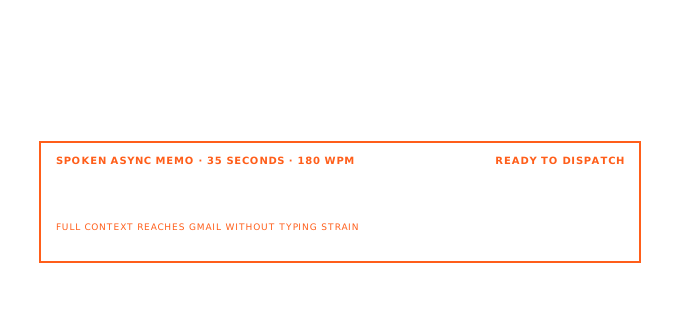
Gmail's Compose window is where voice changes the most. You click Compose (or press C with keyboard shortcuts enabled). Your cursor lands in an empty body field. No incoming message to anchor your thoughts. AICHE eliminates the typing step: speak into the Compose window, the Reply field, or a Forward draft, and formatted text appears at cursor. Works in Chrome, Firefox, Safari, Edge on macOS, Windows, and Linux.
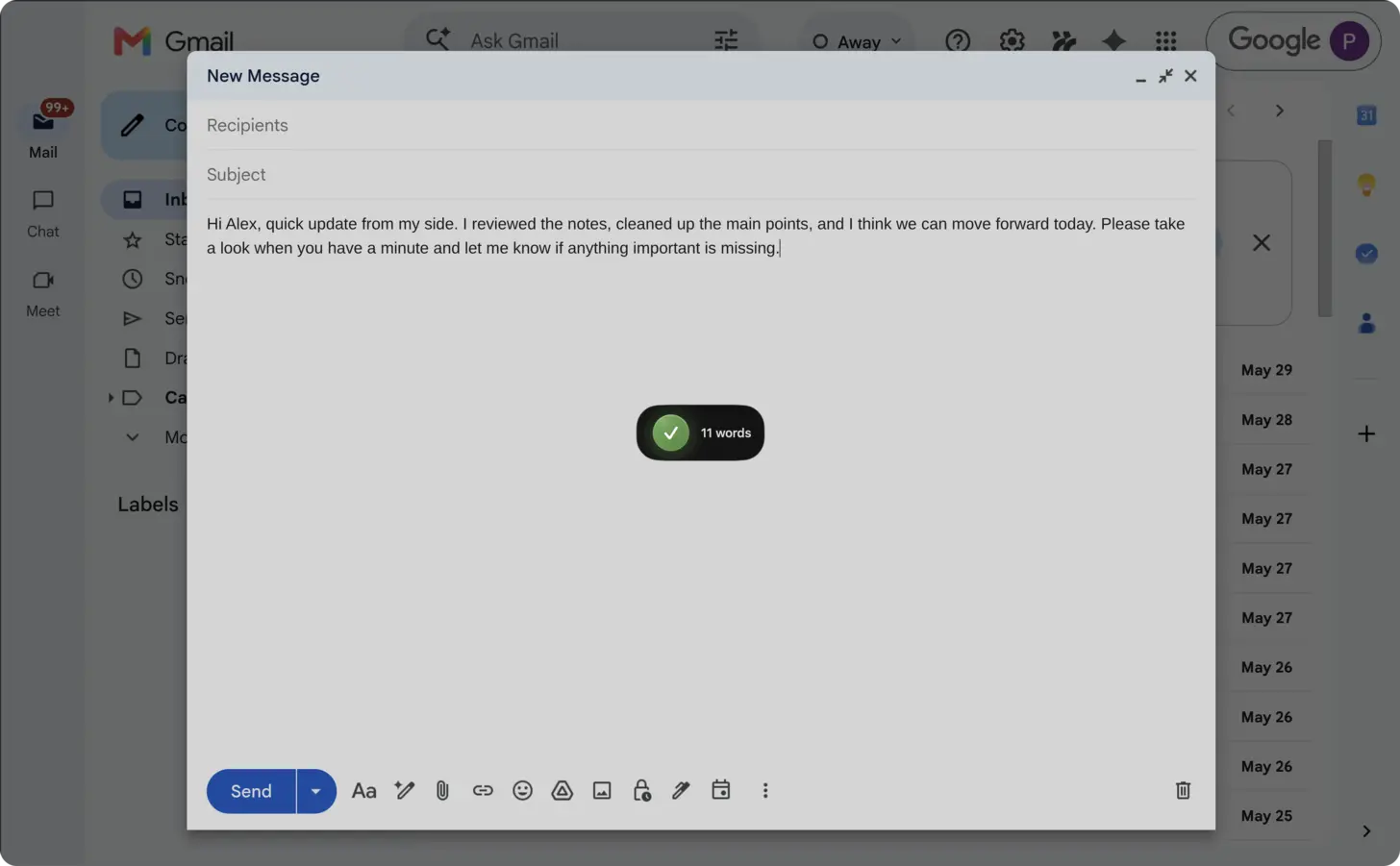
Real Workflow: Thread Reply with Context
You open a thread under your "Client Requests" label. The client asks about a timeline change. You click Reply, press ⌃+⌥+R, and dictate:
"Hi Sarah, the revised timeline moves the design review from June 3 to June 10. The engineering sprint stays unchanged. I'll update the shared calendar invite and loop in DevOps for the staging deployment window. Let me know if that conflicts with anything on your side."
Press the hotkey again. AICHE transcribes and inserts the text. With Message Ready enabled, it adds paragraph breaks and cleans up filler words. You scan the result, hit Send. Total time: under 30 seconds for a reply that would take 2-3 minutes to type.
How to Set Up
- Open Gmail in your browser (Chrome, Firefox, Safari, or any other).
- Click Compose, or open a thread and click Reply/Reply All/Forward.
- Click into the email body so your cursor is active in the text field.
- Press
⌃+⌥+R(Mac) orCtrl+Alt+R(Windows/Linux) to start recording. - Speak your full message naturally - greeting, body, sign-off.
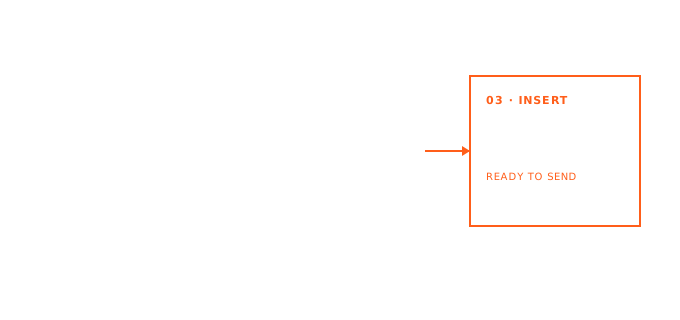
- Press the hotkey again. AICHE transcribes and inserts the formatted text at cursor.
- Review, edit if needed, click Send.
Tip: enable Message Ready in AICHE settings for professional emails. Spoken phrasing gets restructured with proper punctuation, paragraph breaks, and professional tone.
Gmail Keyboard Shortcuts + Voice
Gmail's keyboard shortcuts pair with AICHE for a mouse-free workflow. Enable them in Settings > See all settings > General > Keyboard shortcuts on.
Compose flow: Press C to open Compose. Tab to the To field, type the recipient, Tab to Subject, Tab to body. Press ⌃+⌥+R and dictate. When done, Tab then Enter to send. No mouse needed.
Reply flow: Press R on any open email to reply (or A for Reply All, F for Forward). Your cursor lands in the reply field. Dictate, review, send. This works well when processing a backlog because you never leave the keyboard rhythm.
Navigation: Press J and K to move between messages, O to open, R to reply, dictate, send, J to next message. You can clear an entire label's worth of replies in one pass.
Labels and Batch Processing
Gmail's Labels, Filters, and Categories (Primary, Social, Promotions, Updates) let you sort mail into workable batches. Process one label at a time with AICHE:
- Open your "Client Requests" label (or Starred, or Priority Inbox).
- Open the first message, click Reply, dictate your response.
- Send, move to next message, repeat.
- Switch to "Team Updates" label and handle those.
You scan the message, form your response, speak it, move on. Processing 40 emails in a "Needs Reply" label takes roughly 25 minutes of dictation versus 90+ minutes of typing.
Templates, Scheduled Send, and Smart Compose
Gmail offers Templates (formerly Canned Responses), Scheduled Send, Smart Compose, and Smart Reply. AICHE fits alongside all of these:
- Templates: use Gmail Templates for structural parts (signature blocks, legal disclaimers). Dictate the personalized body above the template. Voice makes customization fast enough that you stop sending canned text.
- Scheduled Send: dictate a batch of emails during your morning focus block. Use Scheduled Send to deliver them at appropriate times. Five messages in four minutes, scheduled across the day.
- Smart Compose and Smart Reply: Smart Compose suggests completions as you type. AICHE inserts a full block at once, bypassing Smart Compose entirely. Faster for anything longer than one sentence. For quick acknowledgments, Smart Reply still works.
- Confidential mode: dictate sensitive messages the same way. Audio is streamed to Groq, Google Generative AI, or DeepInfra for cloud transcription and discarded after processing. No persistent audio copy.
Gemini Inputs In Gmail
Gmail now has dedicated AI input surfaces where AICHE prompt dictation is useful:
- Gemini side panel prompt box for inbox Q&A and thread synthesis
- Help me write prompt/refinement box in Compose
- Follow-up refine prompts (shorter, formal, friendlier, etc.)
Use AICHE to dictate full constraints (recipient, tone, outcome, references). Gmail Gemini executes the generation. AICHE inserts text only.
What You Get
- Voice-to-text insertion in any Gmail text field (Compose, Reply, Reply All, Forward)
- Works in Chrome, Firefox, Safari, Edge - any browser on macOS, Windows, Linux
- On mobile, record in AICHE, then copy or sync the text into Gmail
- Chrome extension for always-available hotkey access
- Message Ready: optional AI cleanup for punctuation, paragraph breaks, and tone
- Custom Vocabulary: teach AICHE client names, product terms, or technical jargon
- Auto-translation: dictate in one language, insert in another
- Content Organization: structured output when you need bullet points or numbered lists
- Zero-retention transcription: Audio is streamed to Groq, Google Generative AI, or DeepInfra for cloud transcription and discarded after processing. No persistent audio copy.
Pricing
AICHE Personal is $3.99/month (annual). 7-day free trial, no credit card required. Start your trial.
FAQ
Does AICHE work with Gmail's Confidential mode?
Yes. AICHE inserts text at your cursor regardless of whether you have Confidential mode enabled. It does not interact with Gmail's UI controls - it only places text in the active field.
Can AICHE apply Gmail Labels or click Send for me?
No. AICHE is a text insertion tool. It transcribes your speech and inserts the result at cursor. Clicking Send, applying Labels, moving to Trash, or any other Gmail UI interaction remains manual.
Does it work with Multiple Inboxes or Priority Inbox?
Yes. AICHE works in any text field within Gmail, regardless of your inbox layout. Multiple Inboxes, Priority Inbox, Categories - the dictation workflow is the same: click into a reply or compose field, press the hotkey, speak.
What about Gmail on mobile?
AICHE has apps for iPhone, iPad, and Android. Record in the AICHE app, then copy or sync the transcribed text into Gmail. The desktop hotkey workflow described on this page applies to Gmail in a browser on macOS, Windows, and Linux.
Does AICHE store my email dictations?
No. Audio is streamed to Groq, Google Generative AI, or DeepInfra for cloud transcription and discarded after processing. No persistent audio copy.
Result
A 40-email reply session that takes 90 minutes of typing finishes in 25 minutes of dictation. You clear your inbox before lunch using the same Gmail Labels, keyboard shortcuts, and Templates you already know.
Try it now: open any Gmail thread, click Reply, press ⌃+⌥+R (Mac) or Ctrl+Alt+R (Windows/Linux), and dictate one response. Download AICHE to start.