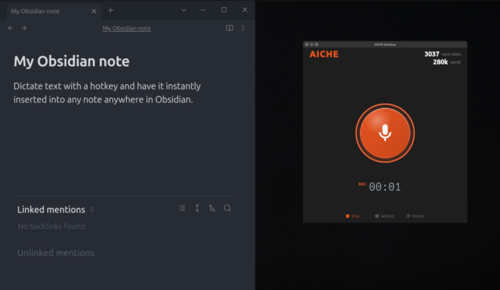
AICHE Voice works as an Obsidian plugin on desktop (Mac, Windows, Linux) and mobile (iOS, Android).
Installation
AICHE Voice is available in the Obsidian Community Plugin browser:
- Open Obsidian Settings → Community Plugins → Browse
- Search "AICHE Voice"
- Click Install, then Enable
Or go directly: community.obsidian.md/plugins/aiche-voice
Sign In
- Go to Settings > AICHE Voice
- Click Sign In
- Your browser opens
aiche.app/connect-obsidian - Sign in with Google
- The plugin auto-connects via deep link
Manual fallback: If the deep link doesn't work, copy the code from the browser page and paste it into the plugin settings.
How to Record
- Click the mic icon in the ribbon (left sidebar) or the status bar
- Speak - the status bar shows recording duration
- Click again to stop
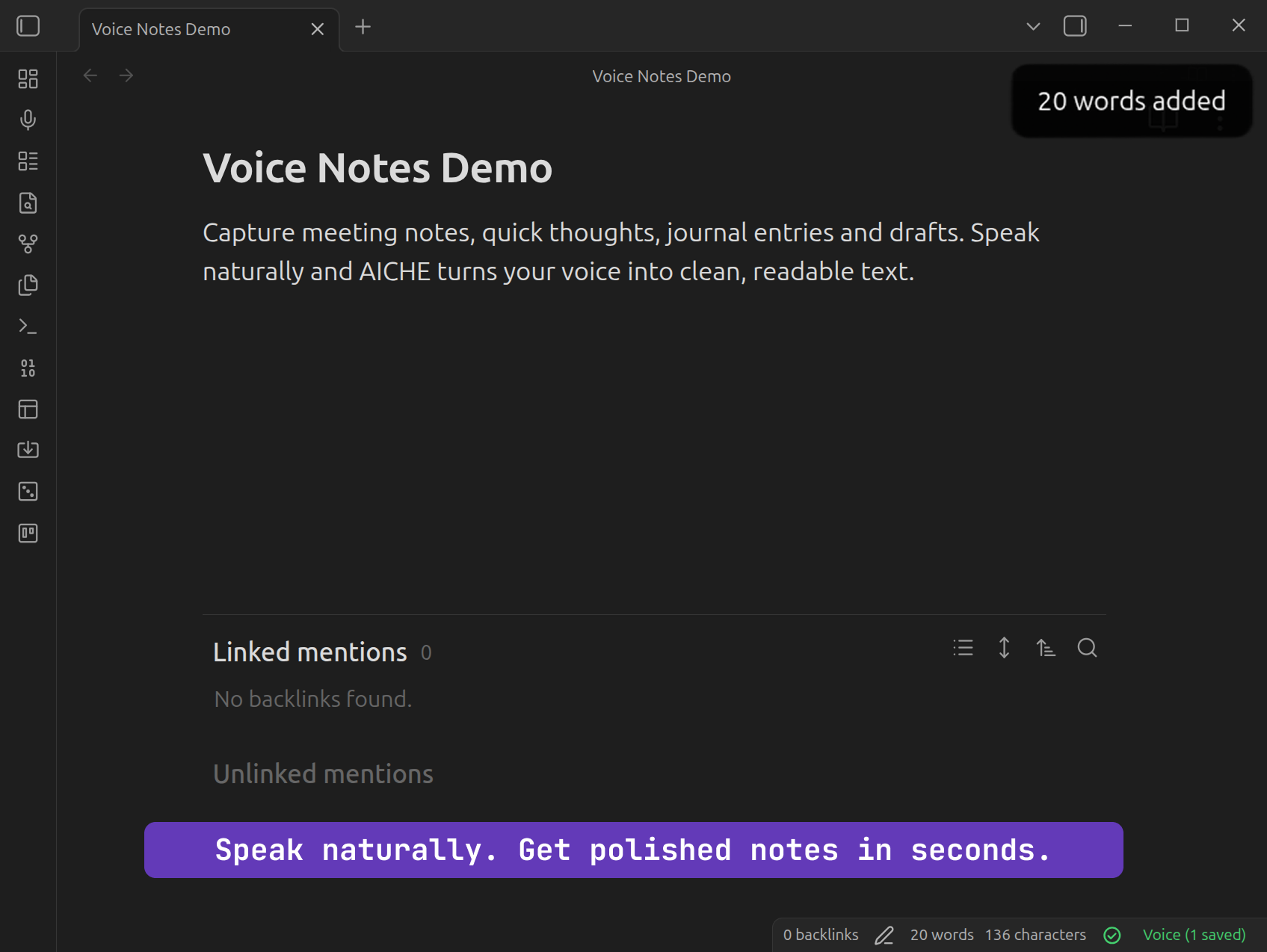
- Text inserts into your active note
If no note is open, AICHE creates a new voice note in your configured folder (default: "Voice Notes").
Long Recordings
Recordings are segmented into 30-second chunks and transcribed as you go. The final text stitches all segments together.
Settings
In Obsidian Settings > AICHE Voice:
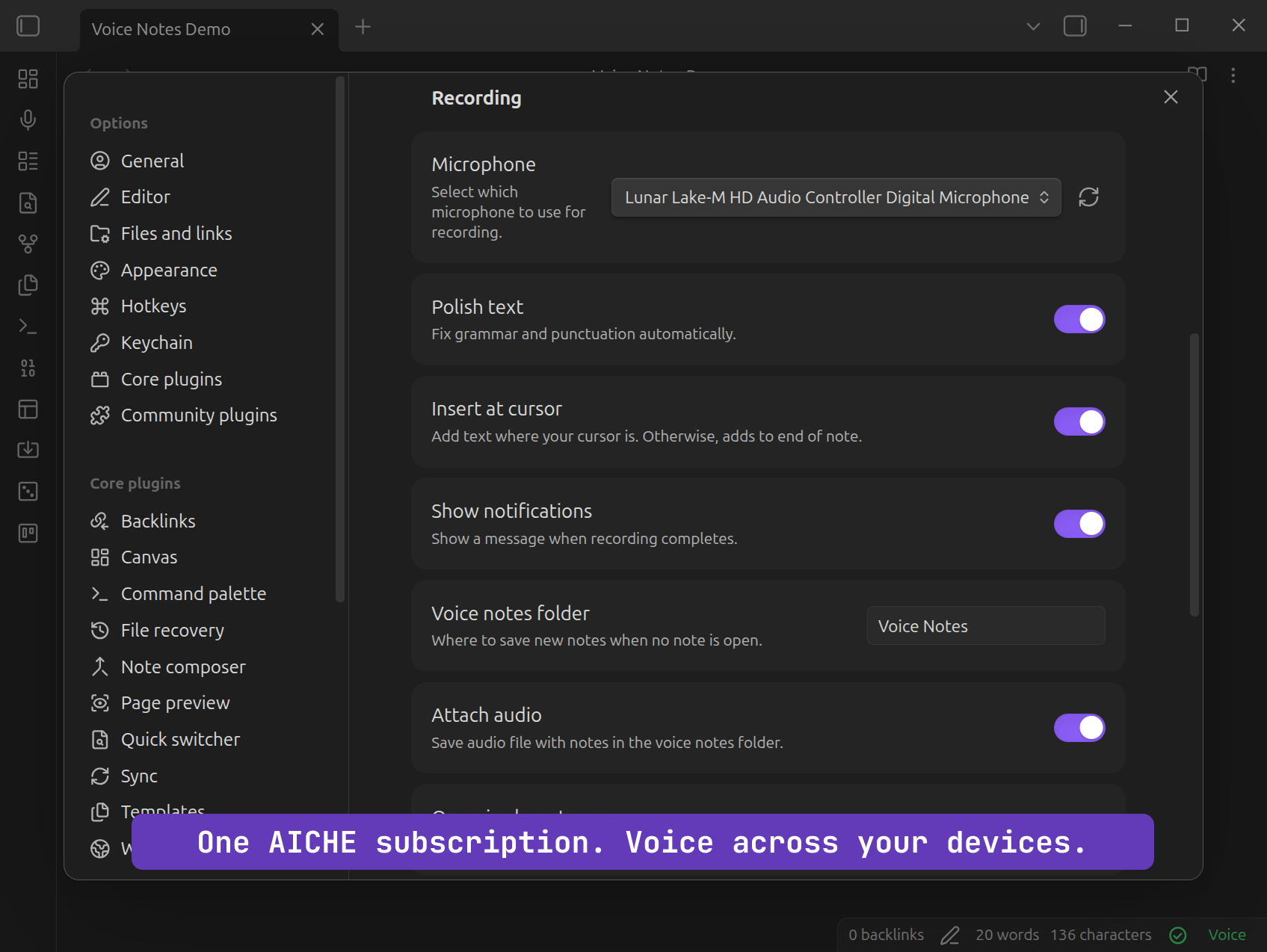
- Microphone - select specific input device (with refresh button)
- Polish text - toggle AI enhancement (grammar, punctuation cleanup)
- Insert at cursor - on: inserts at cursor position. Off: appends to end of note
- Voice notes folder - where new voice notes are created (default: "Voice Notes")
- Attach audio - embed the original .webm audio file in your note
- Organize by category - auto-sort notes into Work/Life/Ideas/Misc subfolders
- Show notifications - toast alerts for transcription completion
Features
- AI polish - grammar, punctuation, filler word removal
- Auto-categorization - sorts notes into Work, Life, Ideas, Misc subfolders
- Audio attachment - embed the recording in your note for reference
- Offline queue - failed transcriptions are encrypted and saved locally, auto-retry on reconnect (up to 50 items, 24-hour expiry)
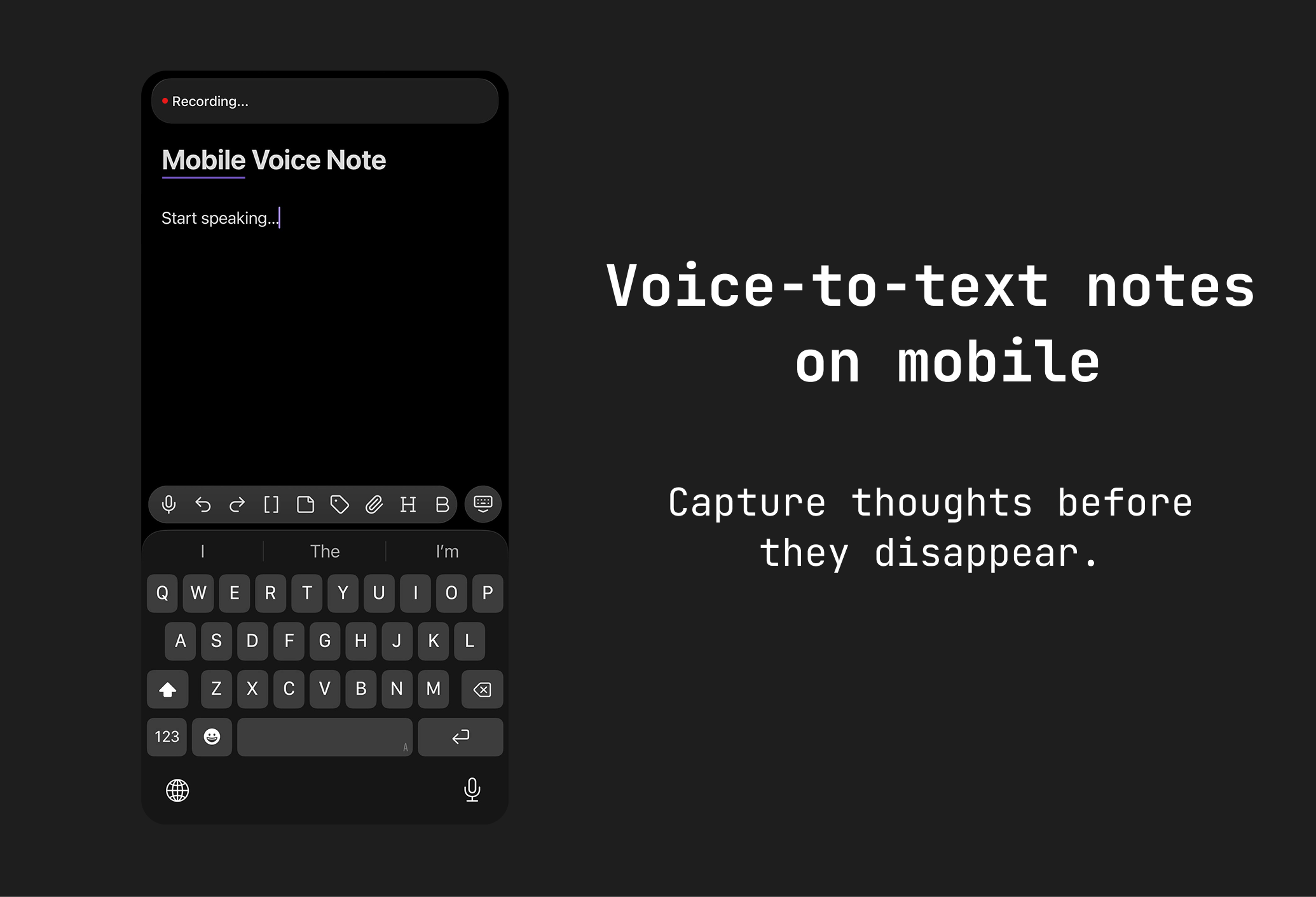
- Works on mobile - the plugin runs on Obsidian's iOS and Android apps
Known Limitations
- No real-time streaming - text appears after recording stops, not during
- No live transcription preview while recording
- Audio format is WebM (what the browser's MediaRecorder supports)
- Offline queue: max 50 items, 24-hour expiry, 3 retry attempts
Common Issues
"Microphone blocked": Allow mic access in your system settings (or browser settings on mobile).
"No microphone found": Connect a mic and click the refresh button in plugin settings.
"Session expired": Disconnect and reconnect your account in plugin settings.
"Subscription required": You need an active plan. An upgrade prompt appears automatically.
Status stuck on "Processing...": Fixed in version 1.0.31+. Update the plugin.