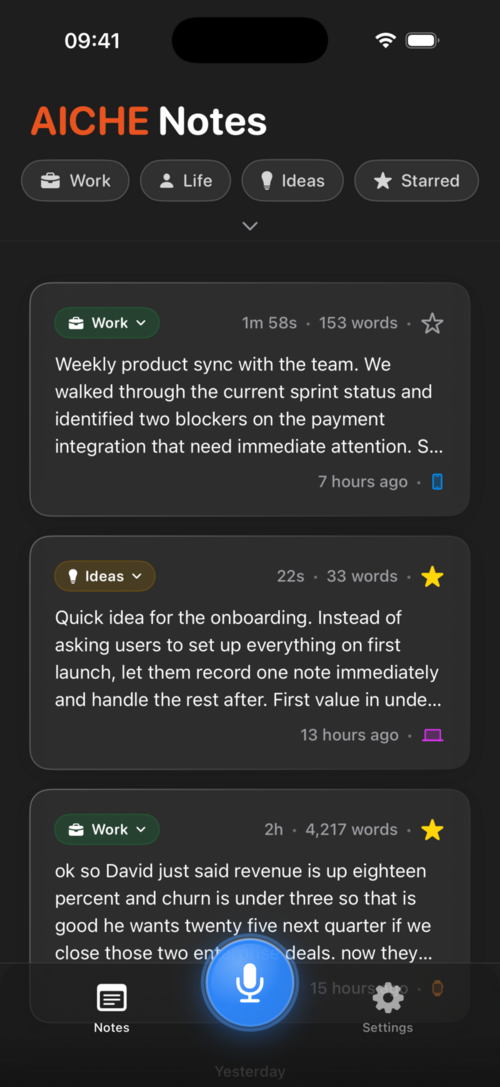
AICHE runs natively on iPhone (iOS 15+), iPad, and Apple Watch.
Installation
iPhone & iPad
- Open the App Store and search for "AICHE"
- Tap Get to install
- Open the app, swipe through the onboarding slides
- Sign in with Apple, Google, GitHub, or Email (magic link)
Apple Watch
The Watch app installs from your iPhone:
- Make sure AICHE is installed on your iPhone
- Open the Watch app on your iPhone
- Scroll to Available Apps
- Tap Install next to AICHE
The Watch app requires your iPhone nearby for transcription. It records audio on your wrist, sends it to your iPhone, which uploads to the server.
How to Record
iPhone & iPad
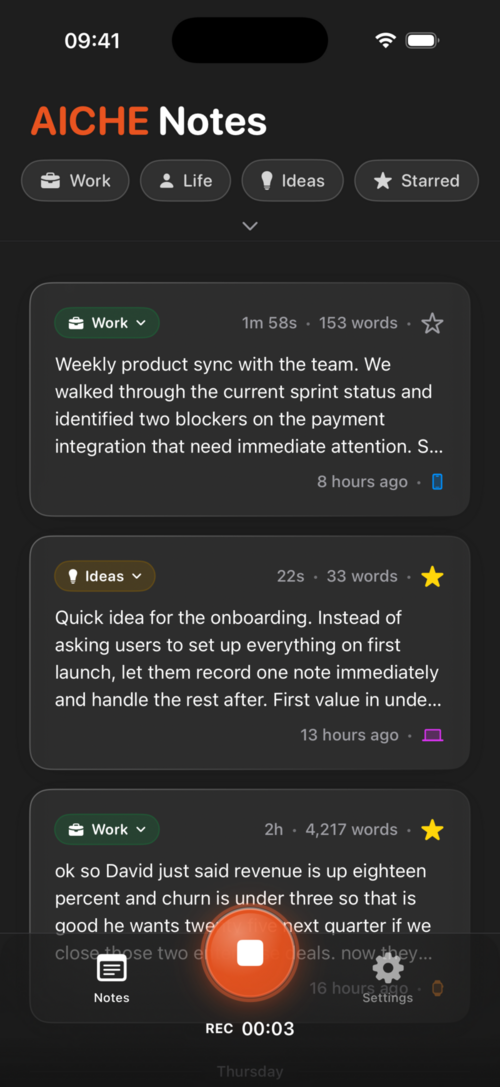
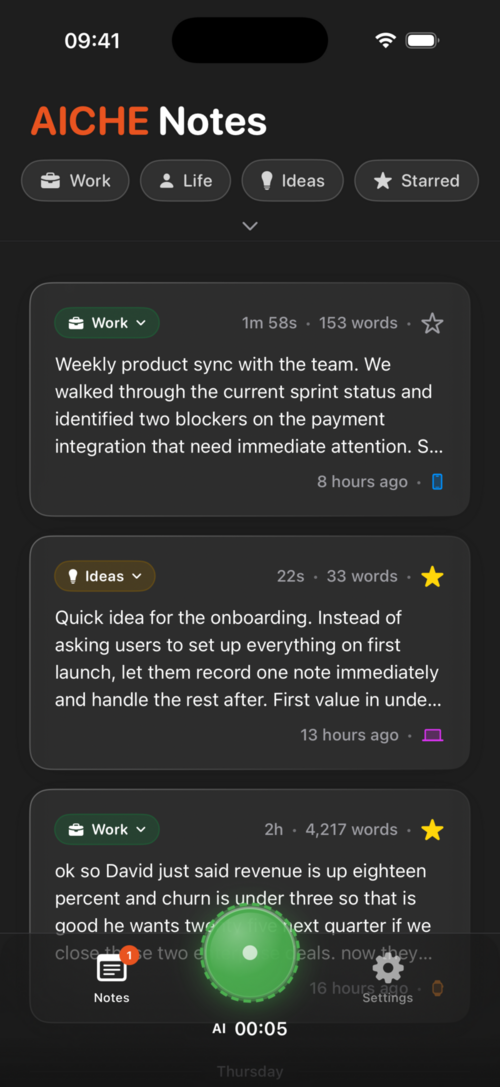
Tap the large mic button on the Record tab. Tap again to stop. Your transcription appears in the feed and is copied to your clipboard.
Apple Watch
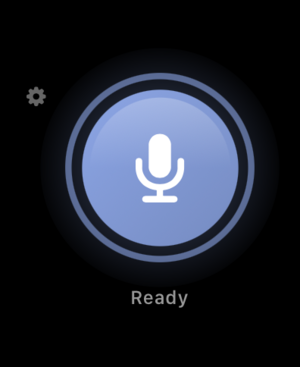
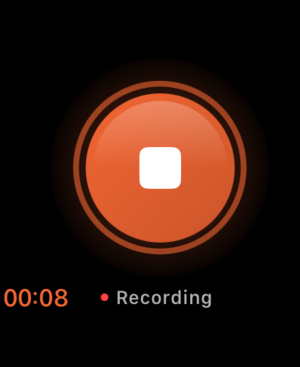
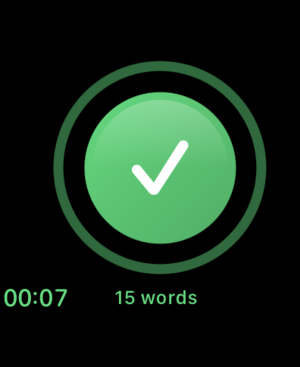
Tap the record button on the Watch app. A word count shows on completion. The note syncs to your iPhone automatically.
Action Button (iPhone 15 Pro+)
You can configure the Action Button in iOS Settings to open AICHE for quick access. Recording doesn't auto-start yet - you still tap the mic button.
Features
- Crash-proof save - recordings survive app crashes, force quits, and unexpected restarts
- Sub-100ms recording start - audio system prewarms on launch
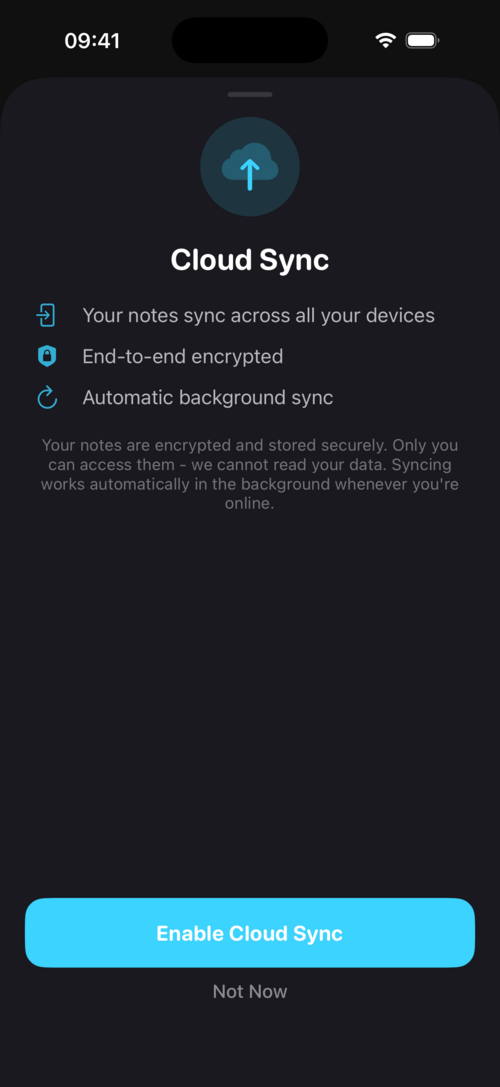
- Cloud sync - E2E encrypted, opt-in after your 2nd recording
- Auto-translate to English toggle
- Category filtering - Work, Life, Ideas, Misc
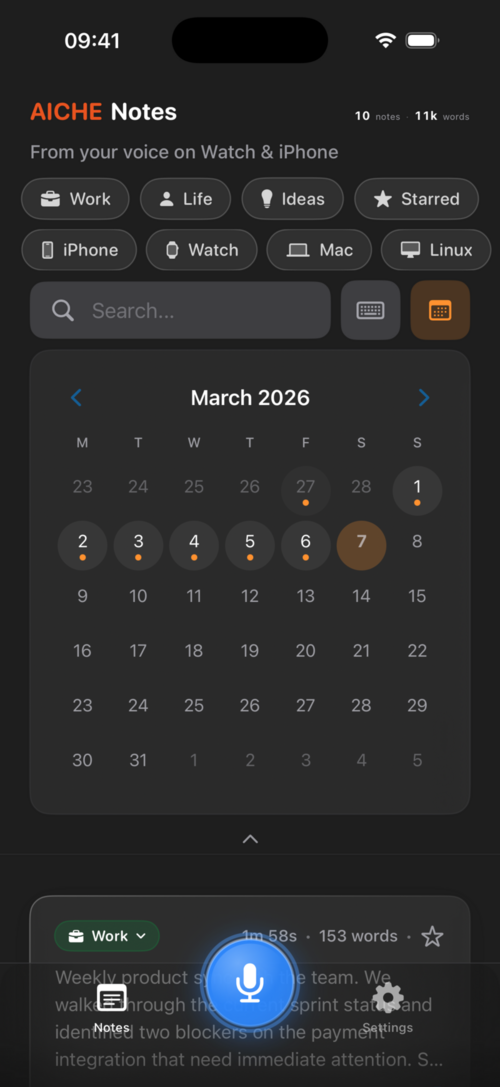
- Calendar view for browsing notes by date
- Swipe actions - copy and delete
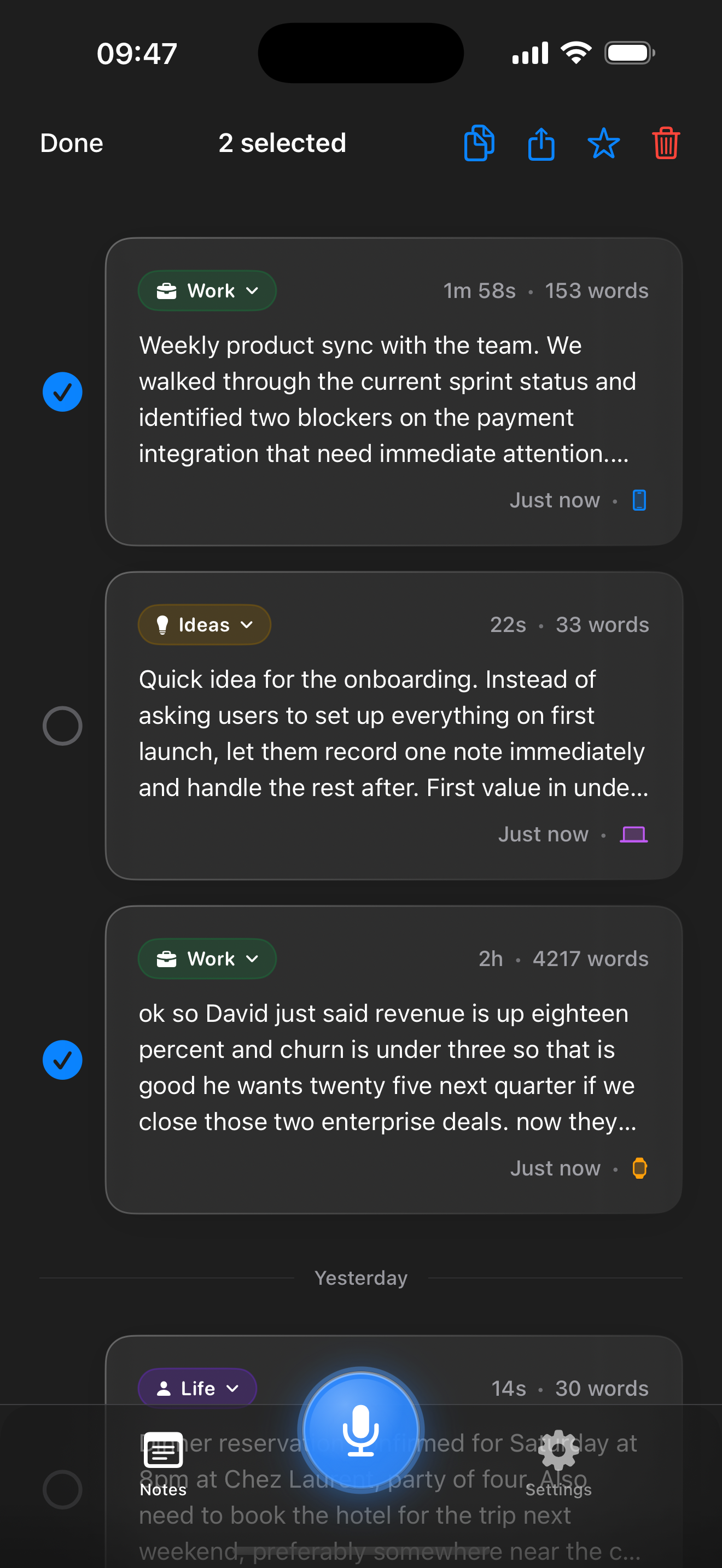
- Multi-select - select multiple notes to star, share, or delete at once
- 28 UI languages with auto-detection from system language
- Light, dark, and system themes
Permissions
- Microphone - required, prompted on first recording
- Notifications - optional, alerts you when Watch recordings are transcribed
Pricing on iOS
In-app purchase via Apple:
- Personal Monthly: $7.99/mo
- Personal Annual: $63.99/yr
- Pro Monthly: $12.99/mo
- Pro Annual: $119.99/yr
Web pricing is lower ($3.99/mo annual). You can subscribe at aiche.app/pricing instead.
Known Limitations
- No Voice Code mode (desktop-only feature)
- No file import - live recording only
- No keyboard shortcut to start recording - tap the button
- No Siri integration currently
- Watch requires iPhone nearby for transcription
- Personal Dictionary UI not yet available on iOS (works server-side if added from desktop)
Common Issues
Watch recording didn't appear: Force-quit both Watch and iPhone apps, reopen iPhone first. This re-syncs the auth token.
Notes not syncing: Cloud Sync is off by default. Enable it in Settings > Cloud Sync and set up your E2E passphrase.
"No speech detected": Check your mic isn't covered. Try again in a quieter environment.
Paywall keeps appearing: Your trial expired. Subscribe or recordings won't upload.