Find something you recorded without remembering which note or meeting holds it. Search your personal AICHE library by word, phrase, or topic, and open the original passage.
Find a thought across notes and meetings
Imagine you need to find a discussion about an office move or a delivery delay. You remember the words but not which note or meeting contains them. Search brings Notes and meeting transcripts together and looks through both, so you do not need to remember where you recorded it.
Search the words or the meaning
Word matches come first: passages that match your search words. Below them, Close in meaning shows related passages even when the original wording is different. Both groups point to material in your notes and meeting transcripts.
A single query searches both words and meaning. Enter the wording you remember, or describe the topic in your own words.
Narrow the results with what you remember
If the results are too broad, use the filters above the results. Any time narrows results to a specific day or month. Any device filters by source device. Any tag uses existing user tags. Notes & meetings lets you choose Notes only, Meetings only, or both. Use Clear filters to remove filters that are excluding useful results. If the results are too narrow, remove a filter to broaden the search.
You can also browse by date without entering a query. Select a day or month and the items from that period appear, even with the query empty.
Open the original passage
Select a result to open the note or meeting at the matching passage. Meeting results show the speaker and timestamp to help you locate that part of the conversation. Read the surrounding text to check the context.
Search on your device
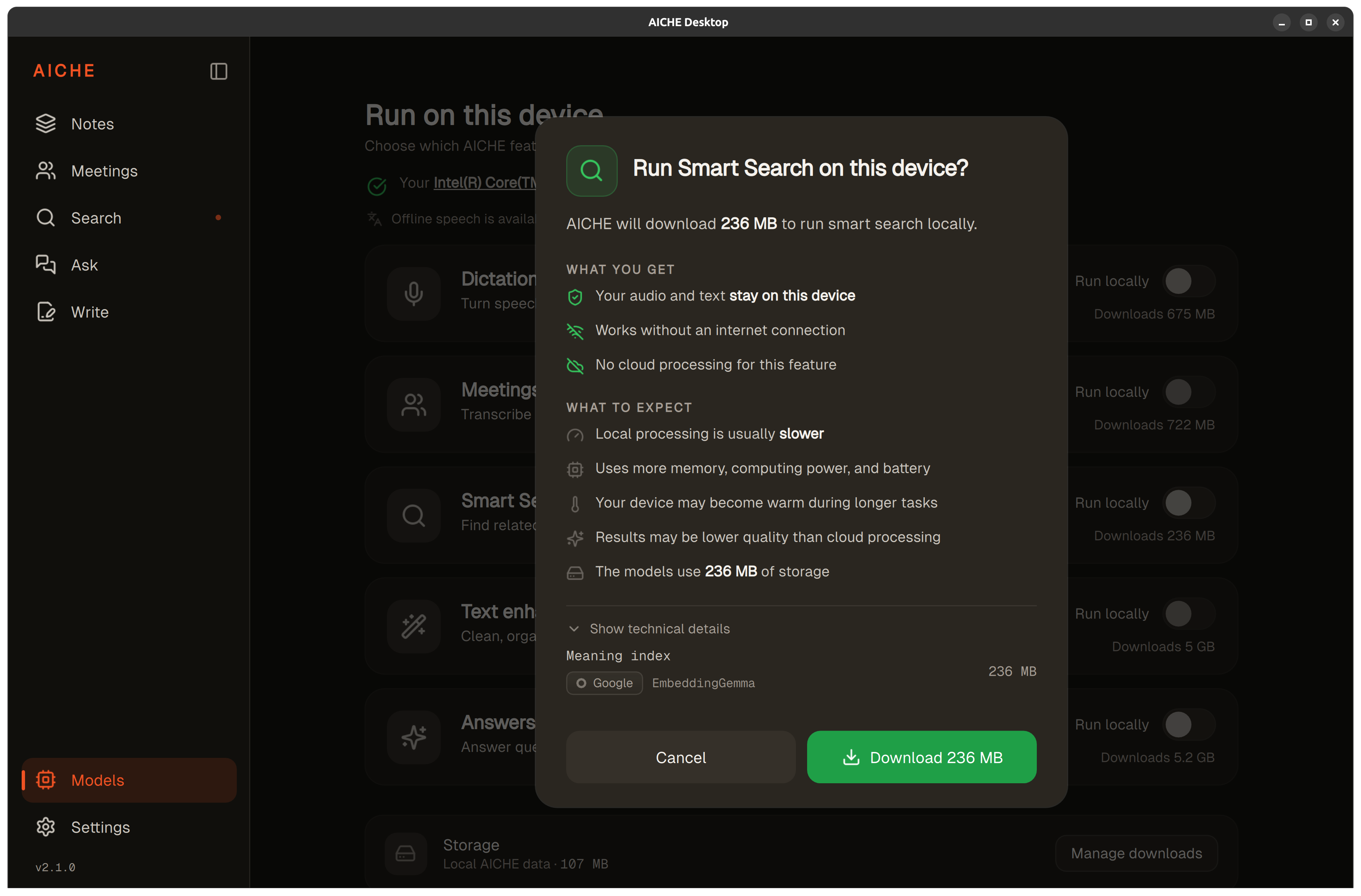
Keyword search works locally on your device. Meaning-based search can also run locally through Models > Smart Search. When Smart Search is enabled and the model is running, meaning search works offline. Local models require AICHE Professional.
You can also use cloud-based meaning search, which processes text from your notes and meeting transcripts through the online service. For local setup, see Set up on-device processing on Linux.